54
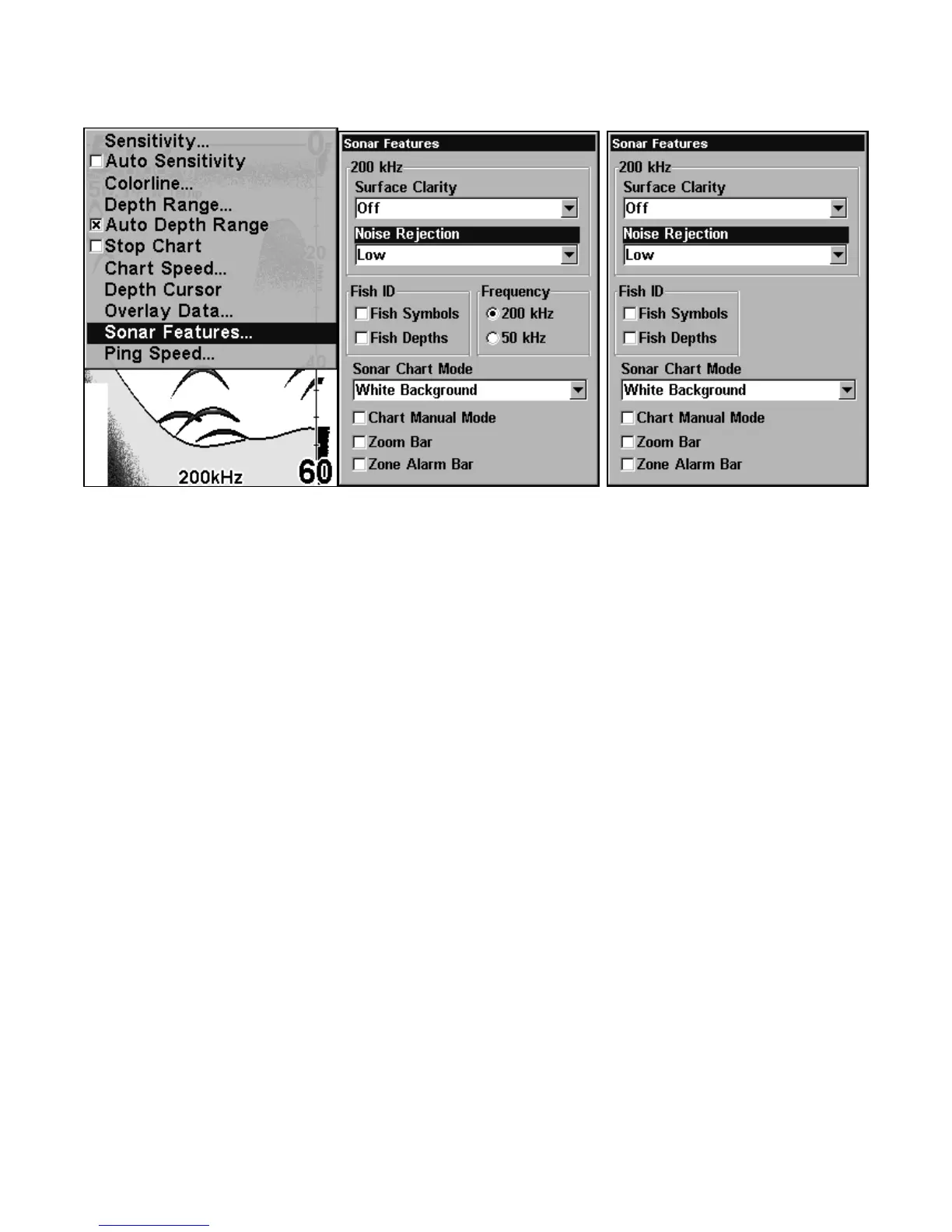
At left, Sonar Menu with Sonar Features selected. In the Sonar
Features menu, Noise Rejection is selected with ASP in the default low
setting (center, dual-frequency menu; at right, single-frequency menu).
To change the ASP level:
1. From the Sonar Page, press
MENU|↓ to SONAR FEATURES|ENT.
2. Press ↓ to
NOISE REJECTION|ENT.
3. Press ↓ or ↑ to select a setting, then press
ENT.
4. To return to the previous page, press
EXIT|EXIT.
Alarms
This unit has three different types of sonar alarms. The first is the Fish
Alarm. It sounds when the Fish I.D. feature determines that an echo
is a fish.
Another alarm is the Zone Alarm, which consists of a bar on the side of
the screen. Any echo on the chart that appears inside this bar triggers
this alarm.















 To Next Page