82
1. Press
MENU|MENU|↓ to SOFTWARE INFO|ENT.
2. Read the information displayed on the screen.
3. To return to the last page displayed, press EXIT|EXIT.
Sonar Chart Mode
The default color scheme for the sonar chart is white background, but
we offer other variations to suit your viewing preferences. You can se-
lect the chart to be displayed in grayscale, reverse grayscale, blue back-
ground, Nightview, IceView, or bottom color tracking.
To change the chart mode color scheme:
1. From the Sonar Page, press
MENU|↓ to SONAR FEATURES|ENT.
2. Press ↓ to
SONAR CHART MODE|ENT.
3. Press ↓ or ↑ to Mode Name|
ENT.
4. Press
EXIT|EXIT to return to the Sonar Page.
Sonar Page & Sonar Chart Display Options
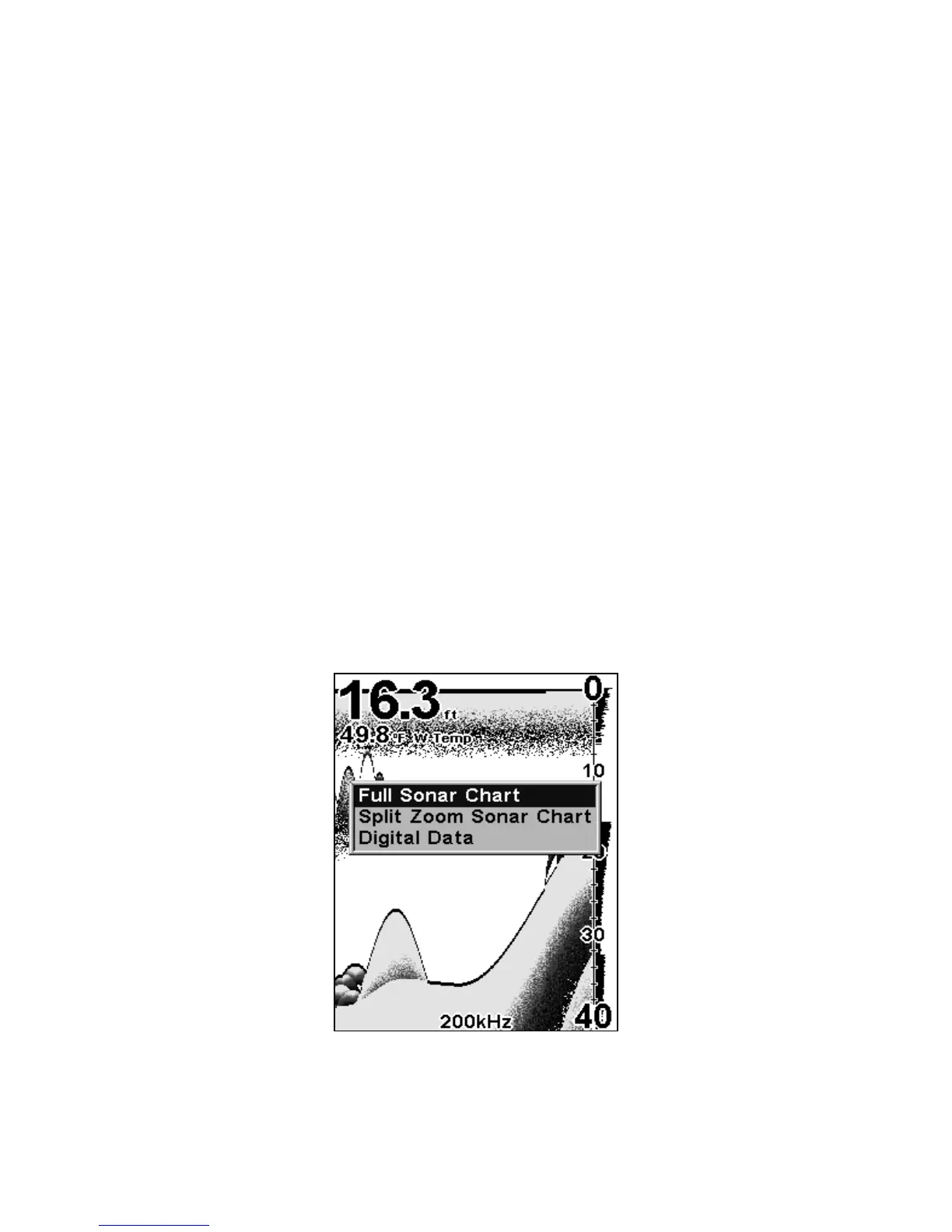
The Pages Menu offers three chart display options. To access them, press
PAGES ↑ or ↓ to Option Name|EXIT.
Pages Menu, showing sonar chart display options.















 To Next Page