85
Digital Data/Chart
Customizing the Digital Data/Chart Screen
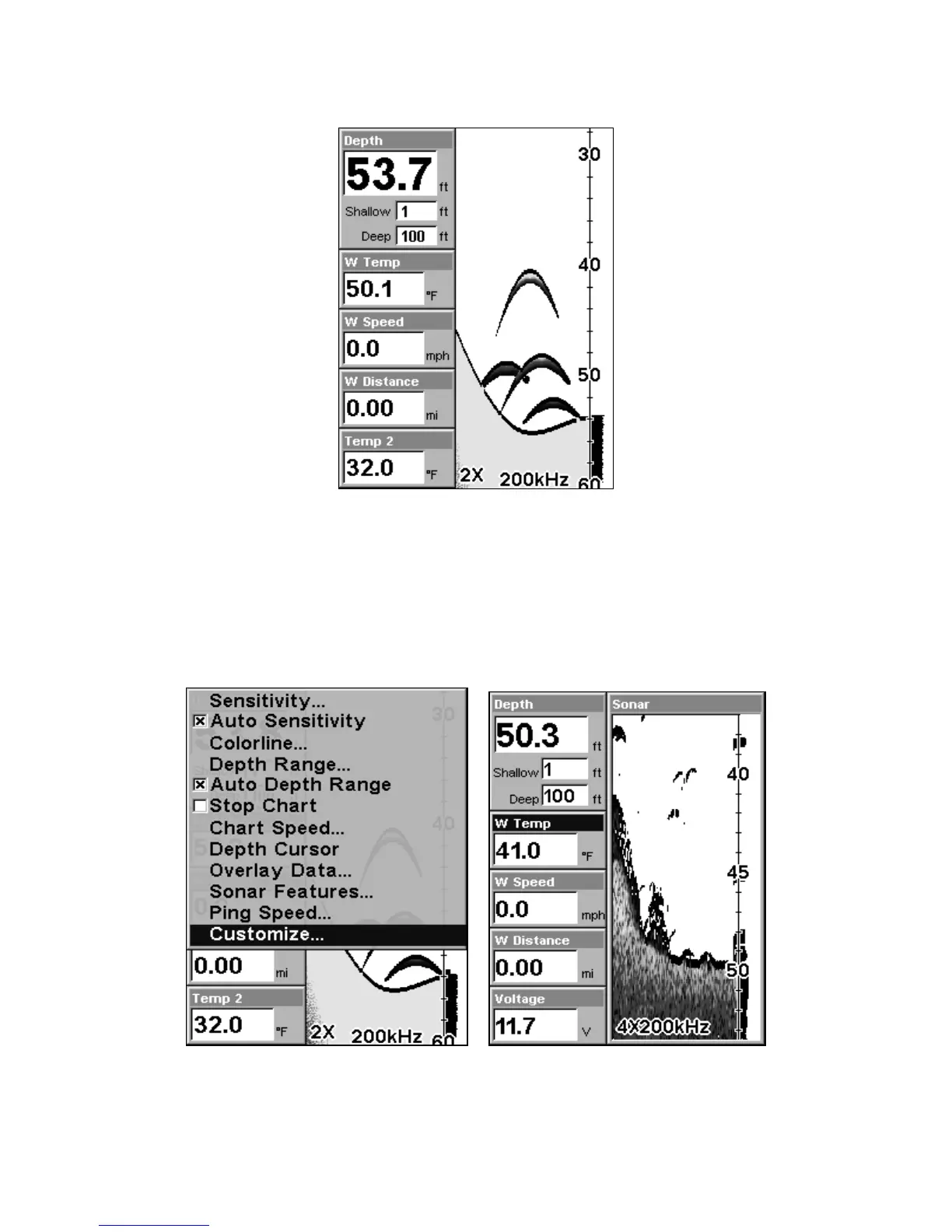
The Digital Data/Chart screen can be customized to show digital data
different from the defaults first shown. To customize this screen:
1. From the Sonar Page (in Digital Data mode), press
MENU|↓ to
CUSTOMIZE|ENT.
At left, the Sonar Menu showing the Customize command highlighted.
At right, the Water Temperature box is selected.















 To Next Page