89
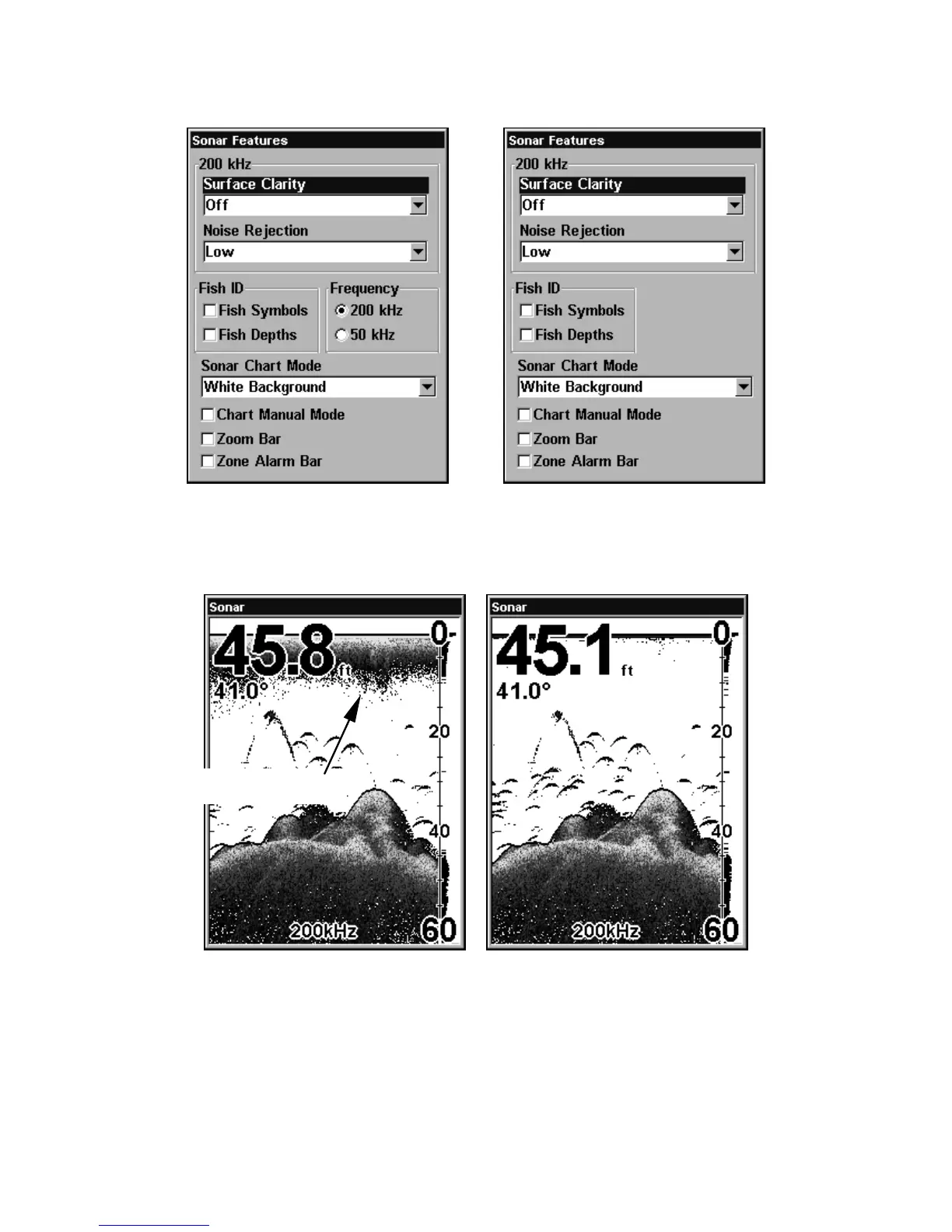
Sonar Features menu with Surface Clarity selected (at left, dual-
frequency menu; at right, single-frequency menu).
2. Press ↓ or ↑ to select clarity level|EXIT|EXIT.
In the illustration at left, Surface Clarity is turned off.
The right view shows Surface Clarity set at High.
Surface clutter















 To Next Page