103
Category Selection menu (left) and list of the nearest restaurants (right).
4. Select the fast food chain nearest your location. Press ENT.
5. The POI information screen appears. This is how you can use the
unit as a business phone directory! If you wanted to navigate there, you
could
press ENT, since the GO TO WAYPOINT command is highlighted. But
we just want to see it on the map, so press
↓ to FIND ON MAP |ENT.
POI information screen on the nearest fast food restaurant, showing
name, street address, phone number, latitude/longitude distance and
compass bearing. The Go To command is selected (left). The figure on
the right has the Find On Map command highlighted.
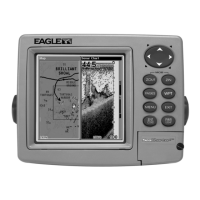
6. The unit's map appears, with the cross-hair cursor highlighting the
restaurant's POI symbol. A pop-up name box identifies the POI, as well
as its distance and bearing. A data box at the bottom of the screen
continues to display the location's latitude and longitude.











 To Next Page