43
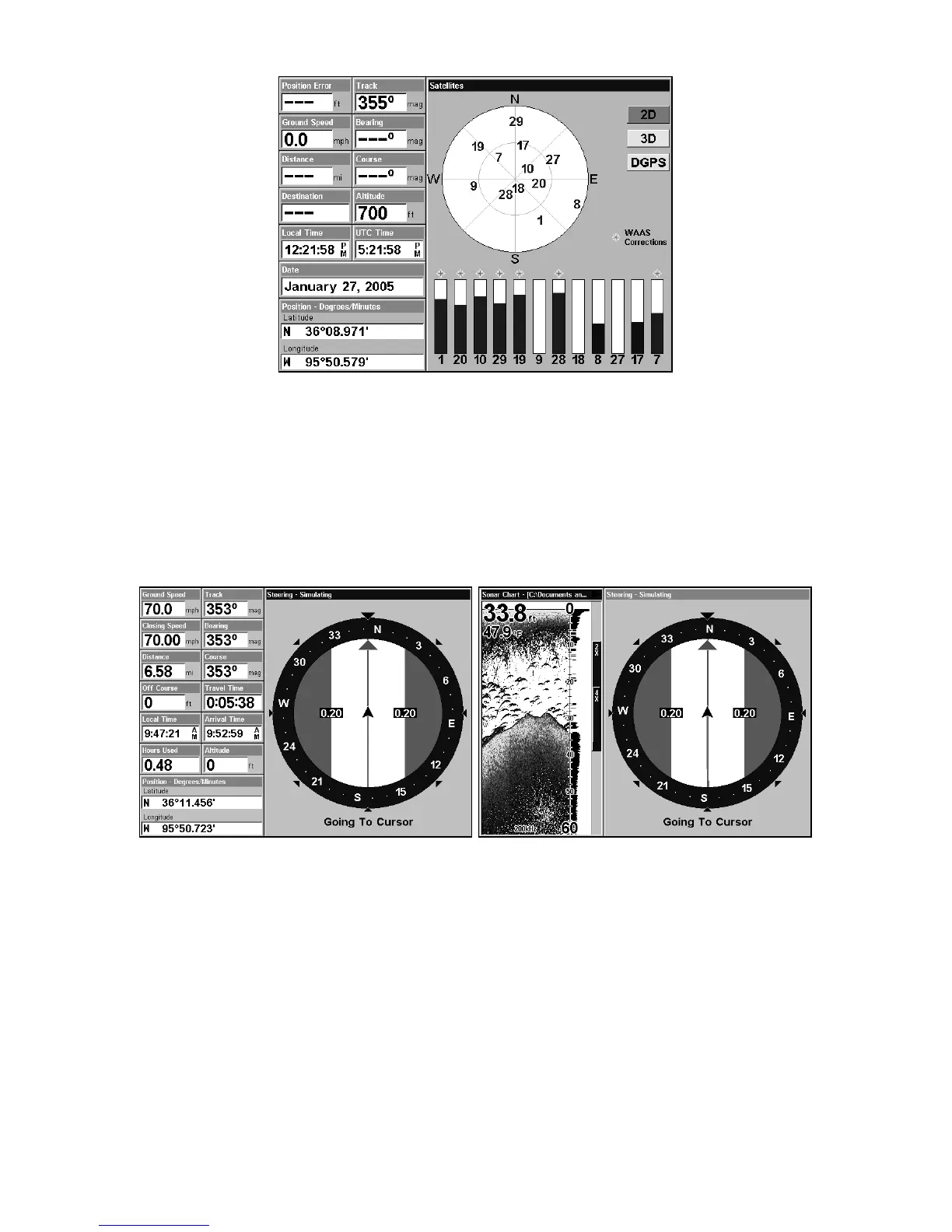
Satellite Status Page.
Navigation Page
This screen has a compass rose that not only shows your direction of
travel, but also the direction to a recalled waypoint. To get to the
Navigation Page: Press
PAGES| → or ← to NAVIGATION|EXIT.
This page represents a GPS function, so it is discussed in much greater
detail in Sec. 6.
Navigation Page (left); navigation with sonar (right).
Map Page
The Map Page screens show your course and track from a "bird's-eye"
view, on a moving map. By default, this unit shows the map with north
always at the top of the screen. The arrow in the center of the screen is
your present position. It points in the direction you're traveling.











 To Next Page