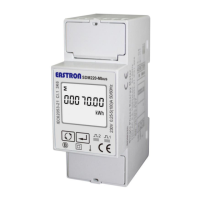
SDM230-LoRaWAN User Manual
2020 EASTRON EUROPE ALL RIGHTS RESERVED.
Press for 3s, the current option will flash.
Use
to choose the option.
Press for 3s to confirm.
NOTE: Under the active upload mode, the OFF Line time should be set to a value bigger than the
active upload interval time.
4.3.7 Confirm Mode
When the Comfirm mode is ON, the meter will request the LoRaWAN network to confirm the
reception of its message.
If there is no message received, it means the network has not received the uplink. The
Meter will send uplink again, upon to 3 times.
From the Set-up menu, use buttons to
select the Confirm mode option.
Press for 3s, the current option will flash.
Use
to choose the option.


 To Next Page
 Loading...