39 EN
6. Remove the protective cap from the centring pin and place it into the central point of
the circle you want.
7. Switch on the motor.
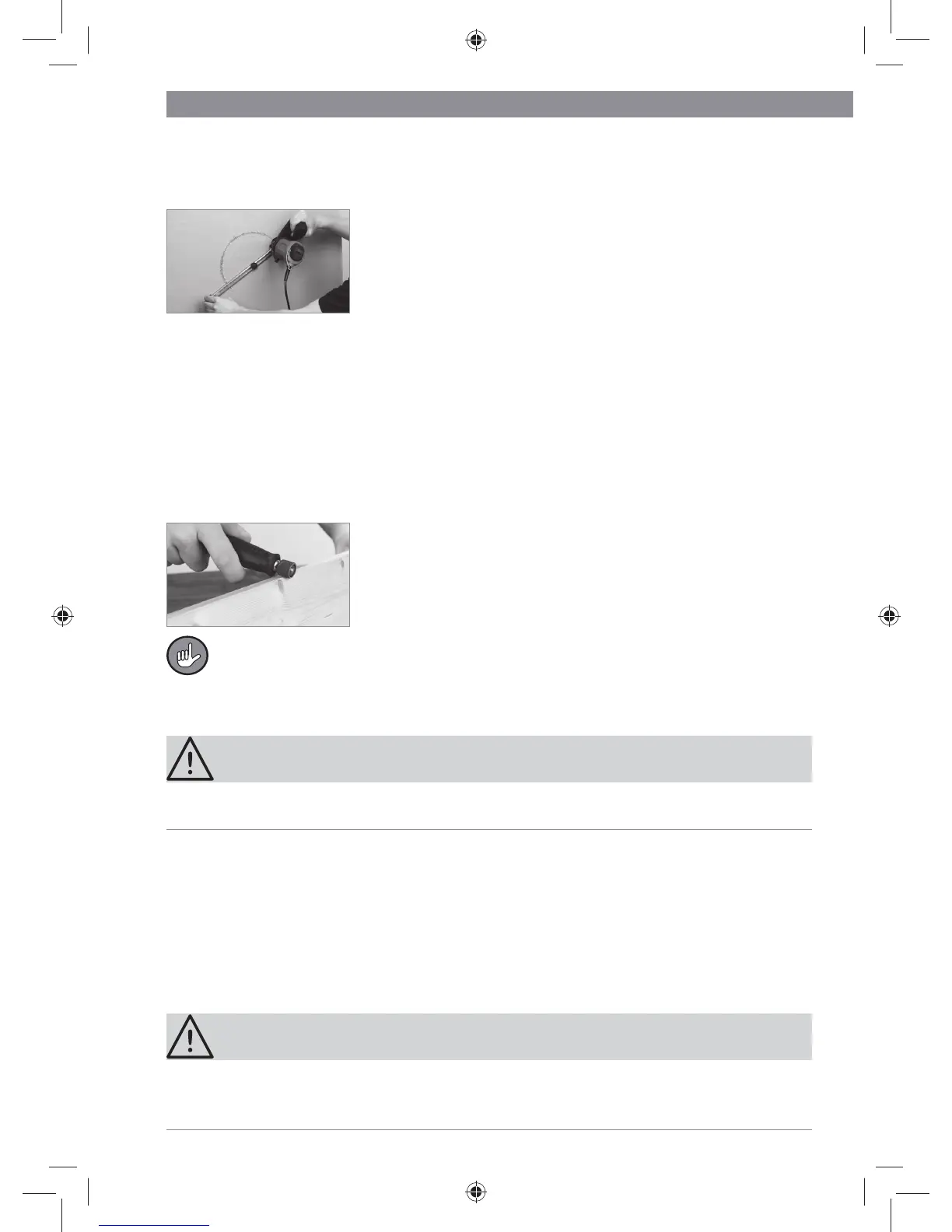
8. Hold the grip (s) of the router compass fi rmly with one
hand and hold the motor unit with your other hand. Plunge
the cutter into the workpiece and move the device clock-
wise in a circle. EXCEPTION: Drywalls/plasterboards
should be cut in the anticlockwise direction.
Working with the Flexible Shaft
Use the fl exible shaft (2) for intricate work, e.g. involving art, crafts and hobbies. You
can use the attachments which are supplied to smooth, grind, engrave, polish and cut
thin materials.
Do not use the attachments for hard materials. They could break!
1. Attach the attachment you want to the fl exible shaft and then attach it to the motor
unit.
2. If possible, hang the motor unit on the mounting clip (a) so that it does not get in the
way while you are working.
3. Hold the grip (r) of the fl exible shaft fi rmly and switch on
the motor.
4. Guide the attachment over the workpiece slowly and with
an even amount of pressure applied.
For engraving, hold the grip like a pen and engrave with the side of the engraving
attachment, not with the tip.
Maintenance and Storage
CAUTION!
• Always disconnect the device from the mains power before you carry out any in-
spection, maintenance or cleaning on it.
General Inspection
• Regularly inspect all screws to make sure they fi t securely as over time they can
become loose due to vibrations.
• Check the mains cable for damage and wear before each use. Repairs must be car-
ried out by a specialist workshop. This also applies to extension cables which are
used with the device.
Cleaning
CAUTION!
• Never immerse the device, mains cable or plug in water or other liquids.
• Do not use any cleaning agents containing petrol or alcohol or any other aggressive,
abrasive or poisonous cleaning agents for cleaning.
03906_de-gb-fr-nl_A5_V2.indb 3903906_de-gb-fr-nl_A5_V2.indb 39 18.08.2015 09:40:4818.08.2015 09:40:48


 To Next Page
 Loading...