11
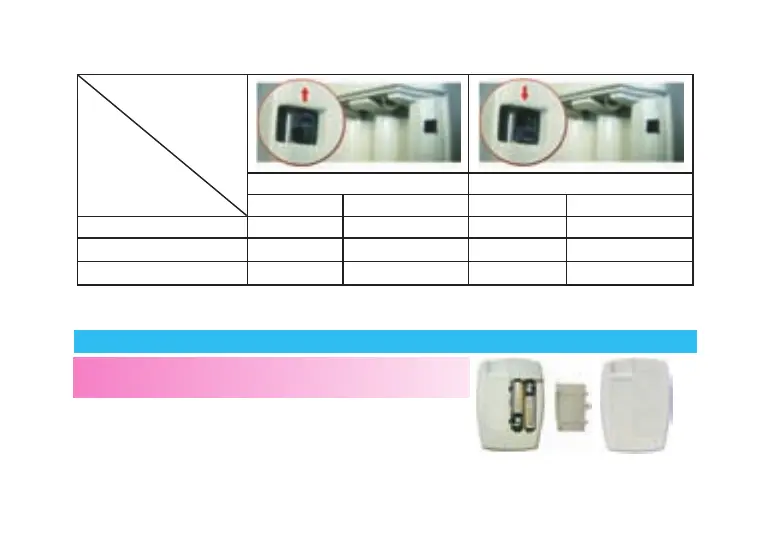
Push Switch Up Push Switch Down
Unit Decimal point Unit Decimal point
Glucose mM Yes mg/dL No
Cholesterol mM Yes mg/dL No
Uric Acid μM No mg/dL Yes
* You should check this setting every time you put batteries into your meter.
* Use a screwdriver to adjust the switch.
Installing Batteries
NOTE:
Your meter comes with two AAA size batteries (1.5V).
1. Slide battery cover off of the back of the meter.
2. Insert two AAA batteries (1.5 V) into the battery
compartment.
3. Slide battery cover back into place.



 To Next Page