30
Testing Your Blood Uric Acid Level
CAUTIONS:
You can only use EasyTouch
®
II Uric Acid Test Strips and check strip on EasyTouch
®
GCU meter.
Caution:
The test strips can be damaged when they are not capped and stored properly.
1. The rst time you use the EasyTouch
®
GCU meter or open a new test
strip vial, insert the code key from the test strip vial. Each test strip vial
contains one code key. Make sure the number on the code key matches
the code number on the vial of test strips you use.
2. Take one strip from the vial. Close the vial quickly.
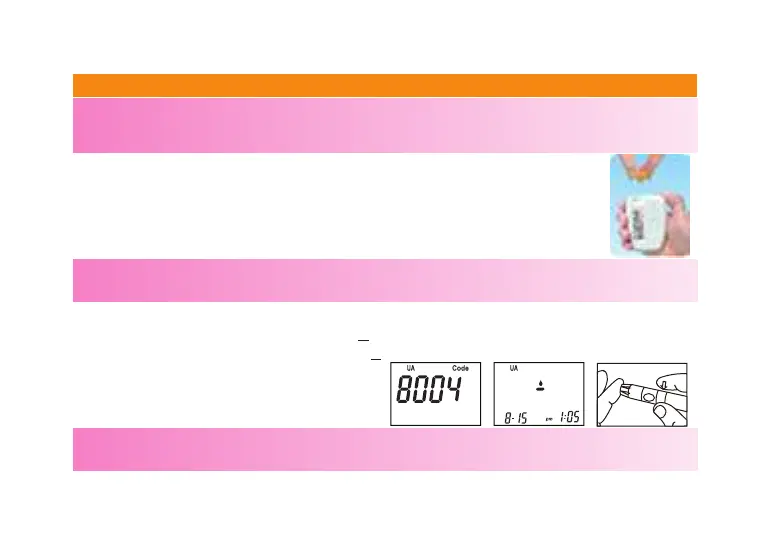
3. Insert the test strip into the test strip slot on the meter. The meter will rst display
code number, then the blood symbol “
S
”.
4. When the screen shows blood symbol “
S
”, clean your nger with alcohol swab. Let it
dry completely.
5. Place the puncturer on your nger.
NOTE:
The best puncture site is on the side of ngertip, because it has the best blood supply.



 To Next Page