37
Cleaning the Meter
CAUTIONS:
●DO NOT spray any cleaning solution directly onto the meter.
●DO NOT dampen the code key slot or the test strip slot.
●DO NOT immerse the meter in liquid.
You can clean your meter with 70% isopropyl alcohol swab
Troubleshooting Guide
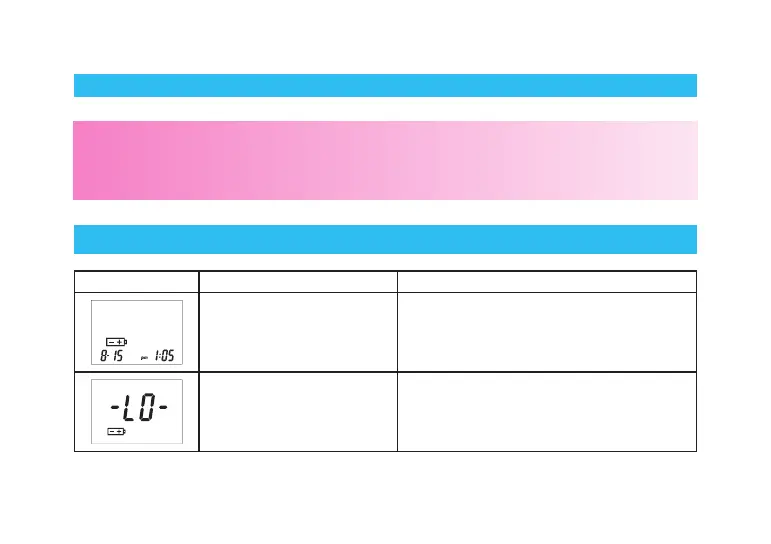
SYMBOL WHAT IT MEANS ACTION
The battery power is low. Replace the batteries.
“LO” ashes 5 times
before the meter turns off
automatically. The batteries
are dead.
Replace the batteries.



 To Next Page