19
4. Hold the uric acid control solution bottle upside down, and slowly
squeeze the bottle to form a small drop. Discard the rst drop of the
solution, and let the second drop touch the edge of the sample targeting
area on the test strip. The control solution will be drawn into the targeting
zone automatically.
5. You will hear a “beep” sound. Close the cap of the control solution
immediately. The meter starts to count down from 6, and then shows
your result on the screen.
6.Check if the displayed uric acid value falls within the acceptable range
shown on the test strip vial.
7. Remove the test strip from the meter and discard it.
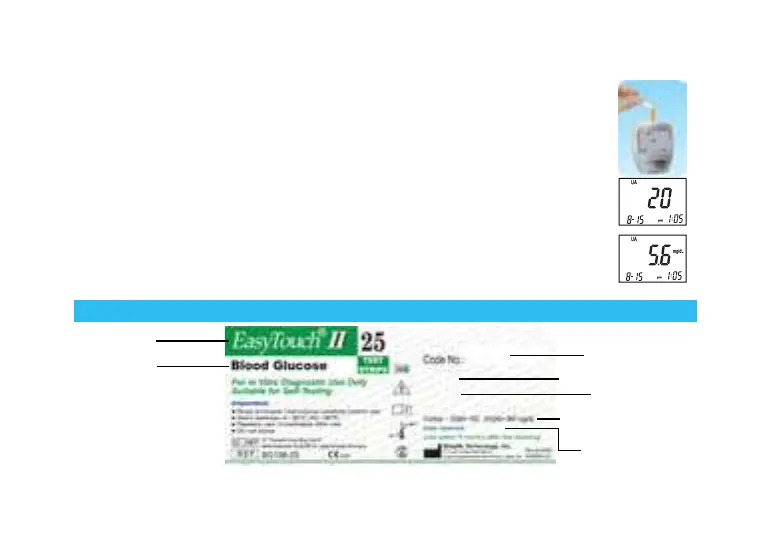
How to Read the Label on the Test Strip Vial?
(Example)
Code number from
particular lot of strips
LOT number appears here
Expiration date
Control solution tests should
fall within the given range
Fill in opening date here
Product name
Type of test
strip



 To Next Page