15
Caution:
Make sure that the code number shown on the screen is the same as the code number
printed on the glucose test strip vial, otherwise you may get incorrect measurement.
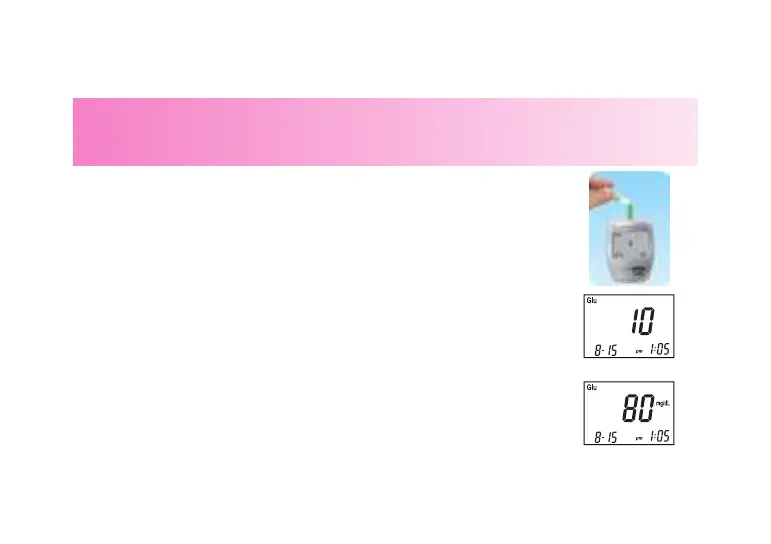
4. Hold the glucose control solution bottle upside down and slowly
squeeze the bottle to form a small drop. Discard the rst drop
of the solution, and let the second drop touch the edge of the
sample targeting area on the test strip. The control solution will be
drawn into the targeting zone automatically.
5. You will hear a “beep” sound. Close the cap of the control solution
immediately. The meter starts to count down from 6, and then
shows your result on the screen.
6.Check if the displayed glucose value falls within the acceptable
range shown on the test strip vial.
7. Remove the test strip from the meter and discard it.



 To Next Page