www.eaton.com
Network Shutdown Module V3 – User Manual - 34 003 934 XU / AE Page 11/65
2.3 Quick Start
To install the Network Shutdown Module in 5 minutes, please perform the following steps on a machine
running Windows 2000 / XP / 2003 / 2008 / Vista / 7, Linux or Mac OSX:
z Step 1 (Pre-requisites)
Check that following connections are operational:
> the electrical connection between the UPS and the server to protect
> the network connection between the UPS and the Network Management Card (or Proxy).
z Step 2 (Optional)
To enable the configuration and supervision remote access, Network Shutdown Module needs the 4679
and 4680 ports (UDP/TCP) to be opened in the Firewall (Automatically opened in the Windows Firewall).
z Step 3 (Software Installation)
On a Windows 2000 / XP / 2003 / 2008 / Vista / 7, Linux or Mac OSX machine, execute the “Network
Shutdown Module” package under an administrator account.
z Step 4 (Configuration)
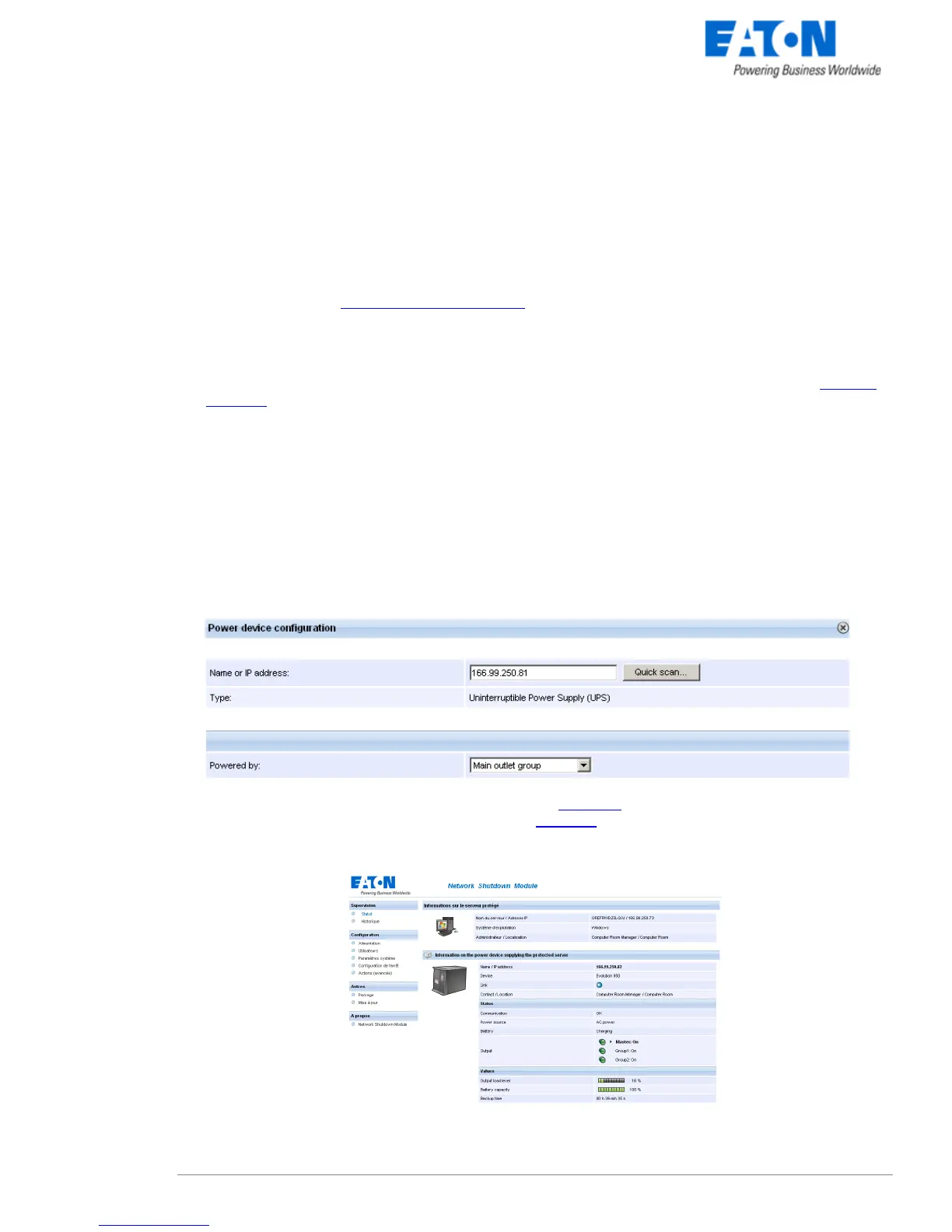
> In the Configuration->Power devices screen,
Enter the default Login «admin» and default Password «admin»
Then click on the Add button and
> Enter the IP (or the host name) of the Network Management Card (or Proxy)
or use the following new function:
New: With the Quick Scan … button, available with version 3.10 and later, you can discover
in a few seconds the cards connected to the network and then select a card from the list.
> Save your configuration
>In the Configuration->Users window configure your password
(recommended)
> For the multi-UPS configurations, please refer to chapter 6
z Step 5 (Operation)
You can now supervise the UPS state and the information concerning the protected server



 To Next Page