www.eaton.com
Network Shutdown Module V3 – User Manual - 34 003 934 XU / AE Page 17/65
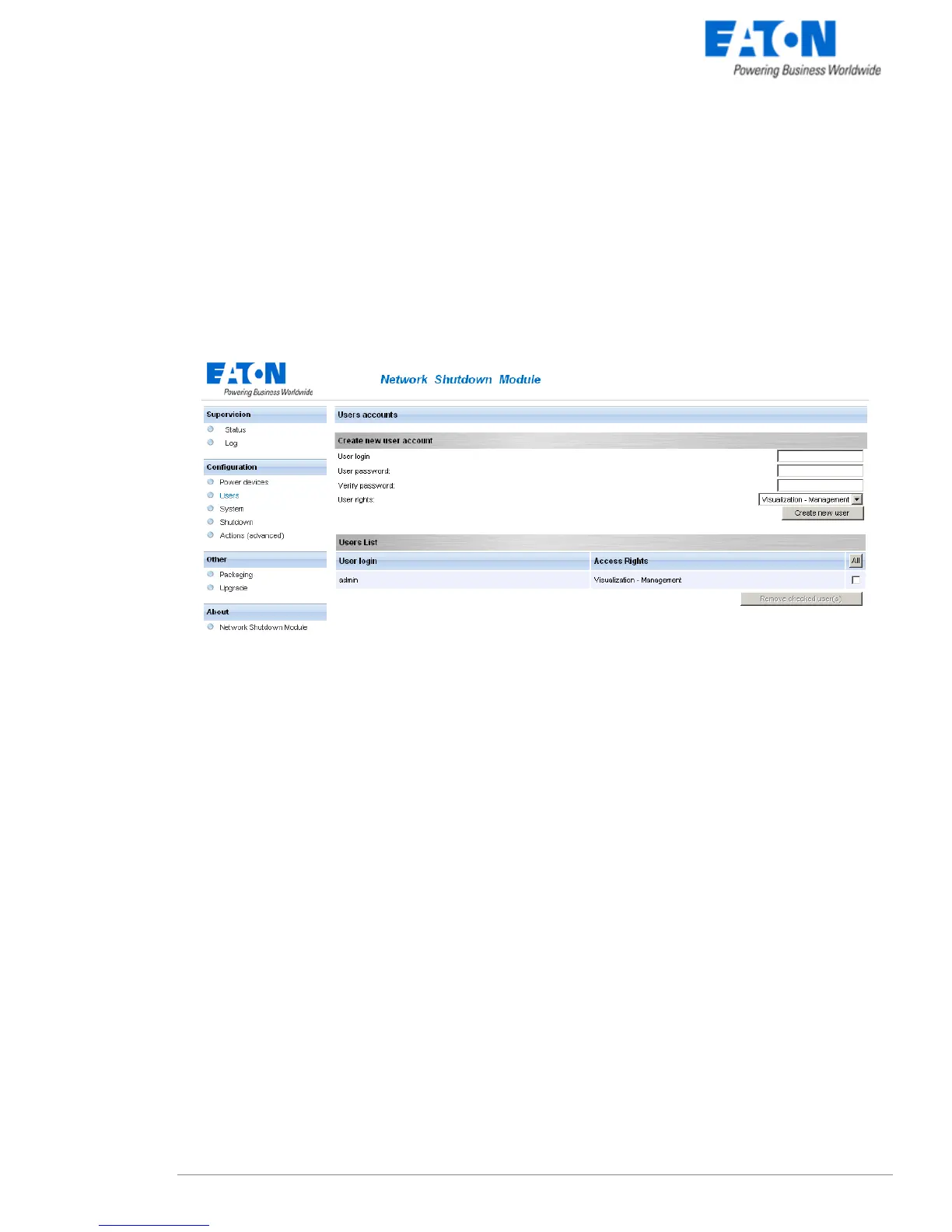
3.3 Users accounts configuration
Click on the Users item of the Configuration section on the left menu.
The default Login «admin» and default Password «admin» with Visualization – Management rights.
Note: For security reasons we advise you to remove this default login and to create a new login with
new access password.
User accounts configuration
You can configure several user accounts.
To add a user account:
z enter the User Login and the User password (twice),
z select the User’s Rights level. The following levels are available:
Visualization – Management (the user will be able to access all the sections)
Visualization (the user will only access to the Supervision (*) and the About sections)
z click on the Create new user button
(*) Remove logs function in UPS logs panel is only functional with Visualization – Management user's right.



 To Next Page