www.eaton.com
Network Shutdown Module V3 – User Manual - 34 003 934 XU / AE Page 14/65
2.5 Application deployment and silent installation (advanced)
After customizing the Network Shutdown Module configuration (name or IP address of Network Management
Card/Proxy, events and actions, etc.), you can build a Network Shutdown Module installation package that
contains your specific configuration.
You can then deploy this Network Shutdown Module configuration on other machines that have the same
operating system.
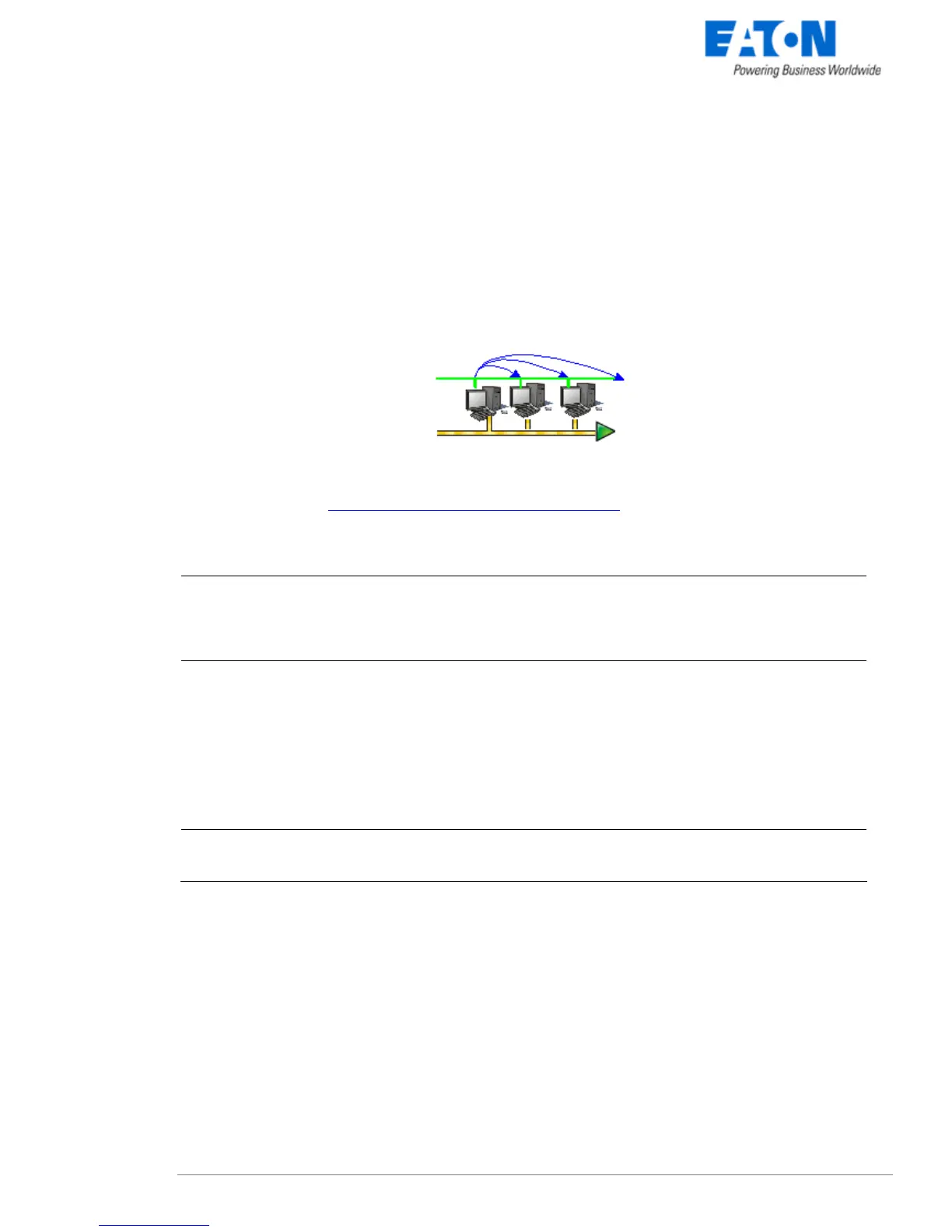
Network Shutdown Module application deployment
Refer to the appendix “Application deployment and silent installation
”
2.6 Uninstalling the Network Shutdown Module
Windows:
z The shortcut EATON -> Network Shutdown Module->Uninstall is used to uninstall
Network Shutdown Module.
or
z In the Control panel, you can also run the Add/remove programs command and select
the Network Shutdown Module program.
Linux:
z The KDE shortcut K:-> EATON -> Network Shutdown Module->Uninstall is used to
uninstall Network Shutdown Module.
z The Gnome shortcut Applications-> EATON -> Network Shutdown Module->Uninstall
is used to uninstall Network Shutdown Module.
z In console mode, you can execute <Installation directory>/packaging/nsmInstaller –
uninstall
<Installation directory> default value is /usr/local/EATON/NetworkShutdownModule/
Mac OSX:
z The shortcut Applications -> Utilities -> EATON -> Network Shutdown Module-
>Uninstall.command is used to uninstall Network Shutdown Module.



 To Next Page