www.eaton.com
Network Shutdown Module V3 – User Manual - 34 003 934 XU / AE Page 28/65
5.4 Checking for Upgrades
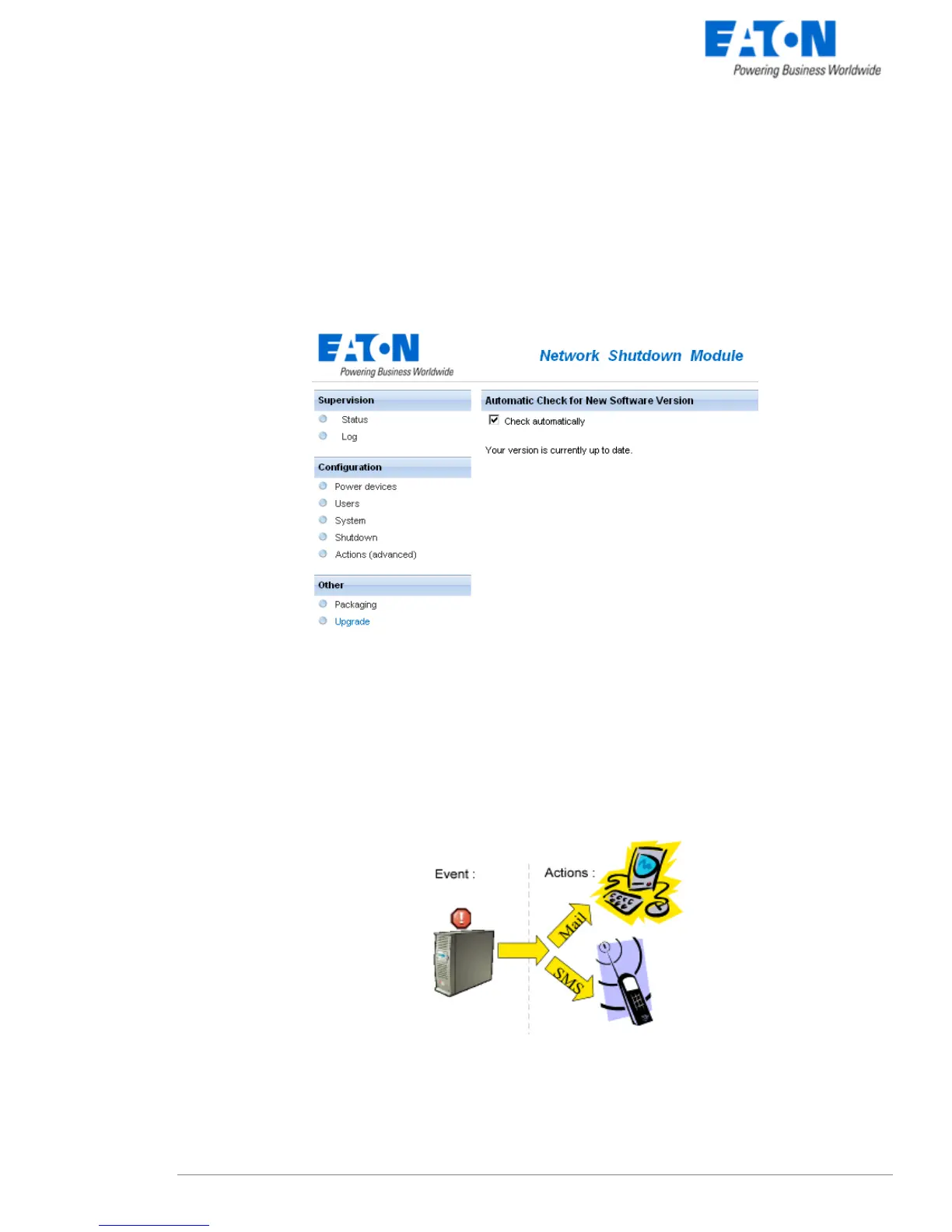
This function gives you access to EATON software updates.
Your Enterprise Power Manager will always be up to date if you select the Check automatically option.
When a new software version is detected, just follow the wizard instructions.
Note: This operation will preserve your database information.
Check for upgrade window
5.5 Events and actions (advanced configuration)
Basic principles:
Network Shutdown Module receives events (e.g. Utility Failure) from the UPS and in reply to these events
executes actions (e.g. notification, e-mail, etc.).
The above interface allows links between events and actions to be configured, as well as customizing
protection for the machine hosting Network Shutdown Module.
events / actions
This very powerful tool enables the Network Shutdown Module behaviour to be modified intuitively.



 To Next Page