P.36
PM10U
EBARA
CORPORATION
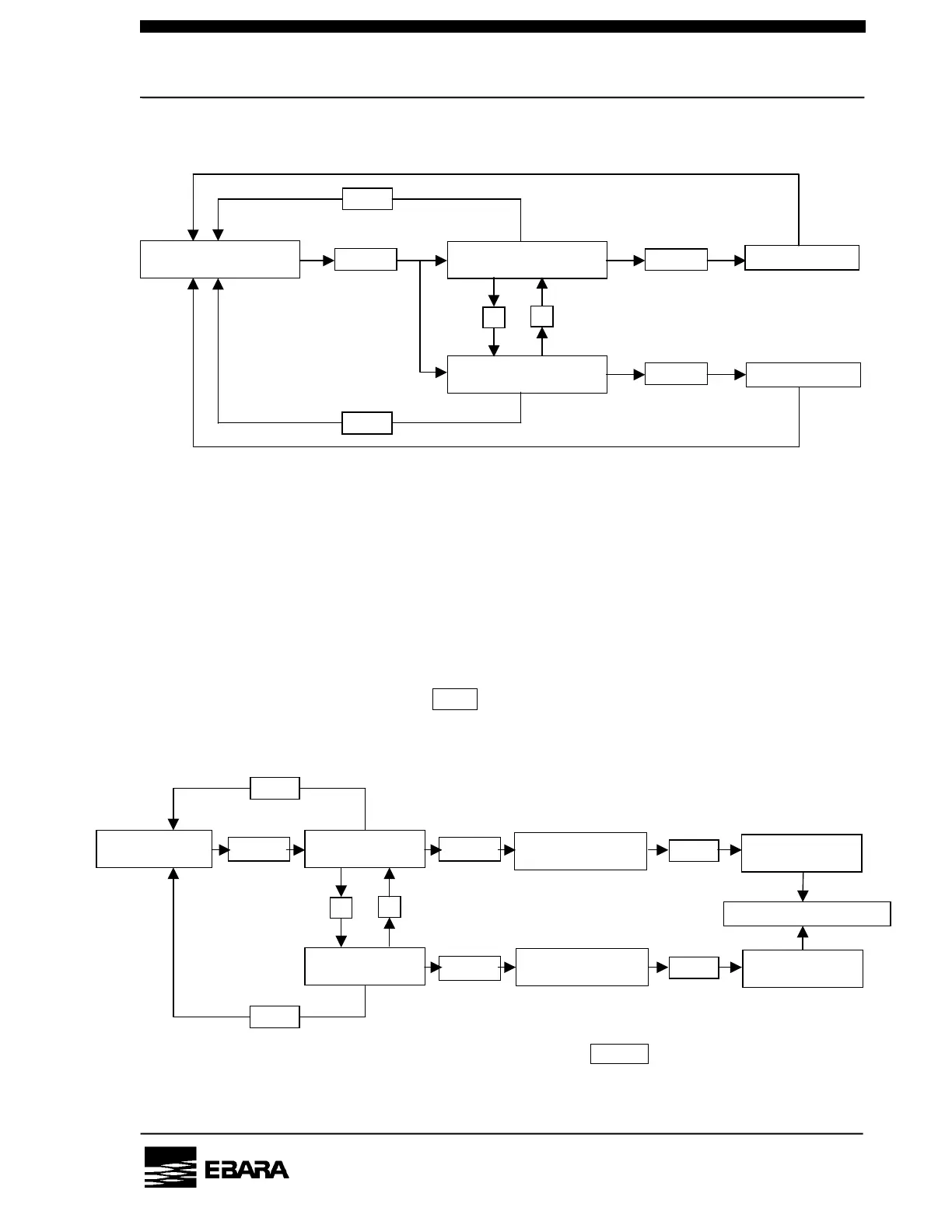
6.3.1 Setting the pump operation control mode
A case of display if Local mode selected.
REMOTE MODE : Enables the remote operation
(start/stop with external signals)
LOCAL MODE : Enables the local operation
(start/stop with the LCD controller)
COM MODE : Enables the communication operation
(start/stop with RS232C communication)
The mode that is currently not set is displayed.
If you do not need to set, press PRG. key to go back to the previous screen.
6.3.2 Setting the DIP switch
See Section 6.4 for details of the DIP switch.
SET
CONTROL MODE?
PRG.
PRG.
ENTER
ENTER
ENTER Setting done
Setting done
▽
NOW:LOCAL MODE
SET:REMOTE MODE?
NOW:LOCAL MODE
SET:COM. MODE?
The up and down arrow keys, “△” and “▽,
” turn On and OFF the DIP switch.
The key BZ.OFF switches the selection
from 1 to 8.



 To Next Page