P.40
PM10U
EBARA
CORPORATION
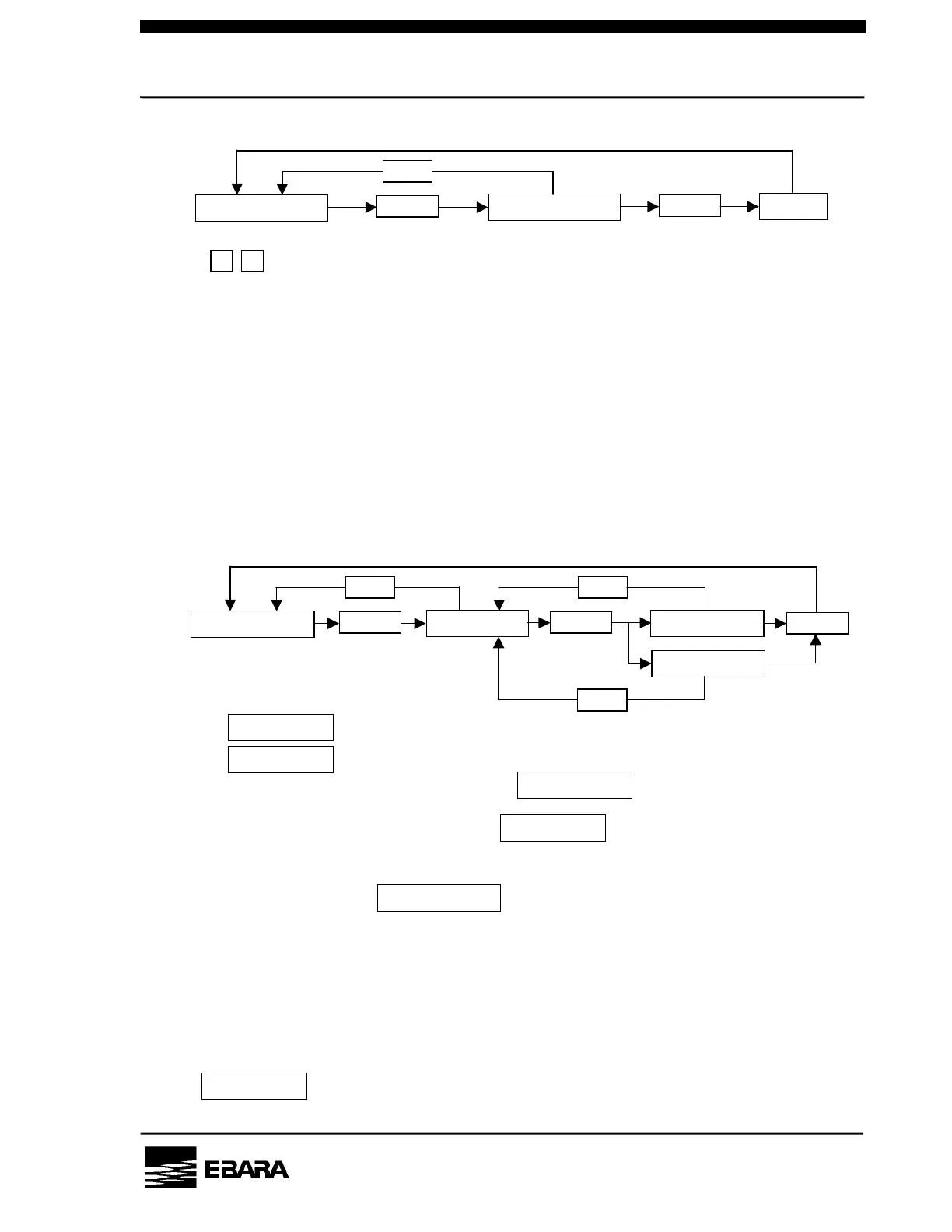
6.3.10 Setting the Back Pressure high warning threshold (option)
Use the up and down arrow keys to change the setting value.
△ : Increase the setting value by 0.5 kPa.
▽ : Decrease the setting value by 0.5 kPa.
Upper limit : 20.0 kPa
Lower limit : 5.0 kPa
Factory setting : 20.0 kPa
WARNING reset value : Set value –2.0 kPa
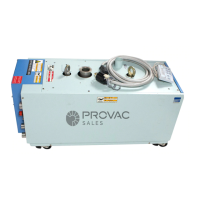
6.3.11 Pump Valve control (option)
1. Pump Valve control
・A valve follows operation from a LCD controller.
・An additional indication of the valve control screen is given at Customer operation mode.
A. is displayed when the present valve state is CLOSE.
is displayed when the present valve state is OPEN
B.In the case of under pump operation, is displayed.
Valve operation is possible.
In the case of under pump stop, is displayed.
Valve operation is impossible.
C.If it is made to decide by the ENTER key, a valve will open/close.
It returns to screen.
2.Valve operation
・Valve is made to CLOSE compulsorily at the time of a pump stop and Alarm
generating.
・A valve is made to CLOSE at the time of a power supply injection.
(The last valve state is not memorized.)
3.Display on LCD
・In the case of under pump operation, and in the case of Valve CLOSE,
is displayed on a Normal display mode.
Use the keys, ”△” and ”▽” to set.
PRG.
ENTER
ENTER



 To Next Page