March 2013 10 IPV58
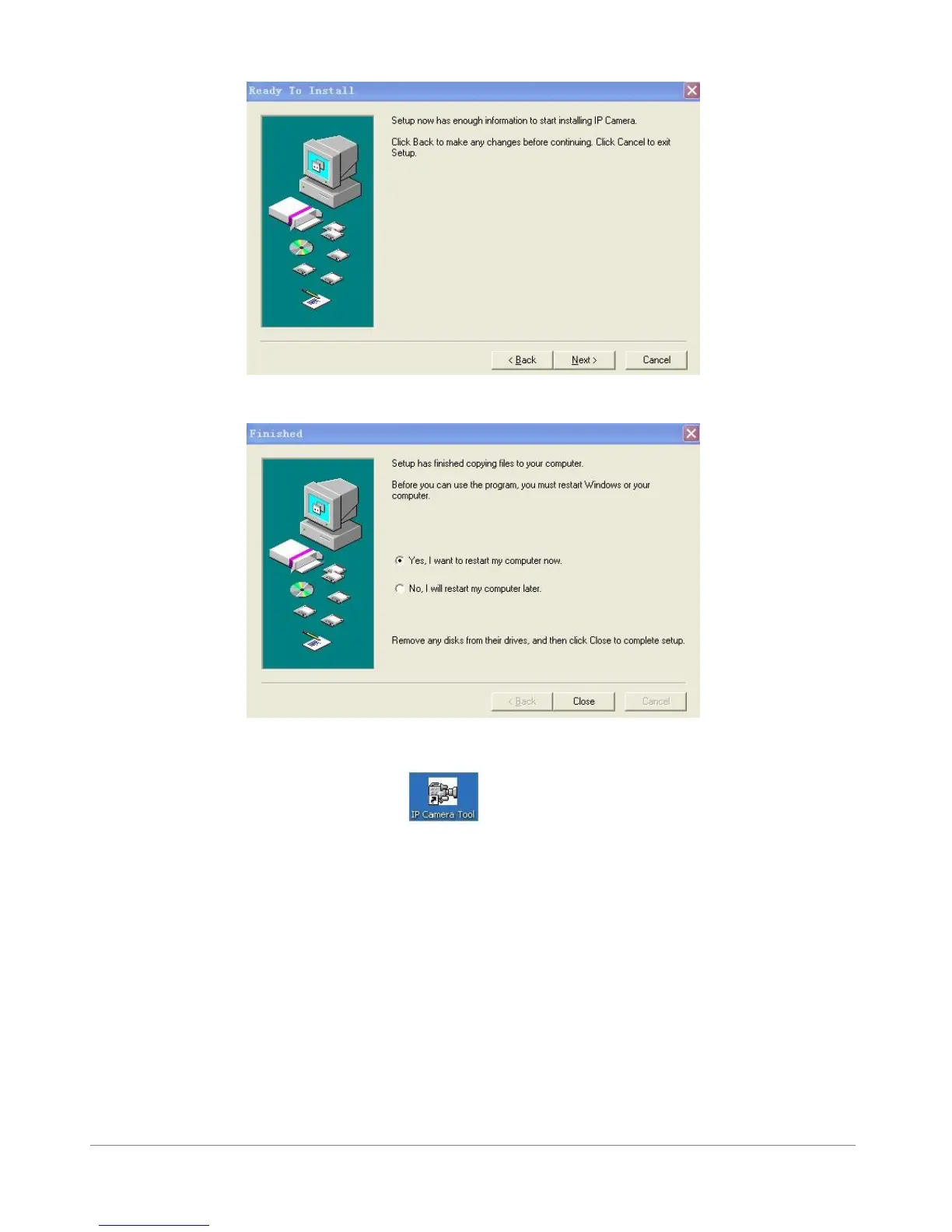
Figure1.7
Figure1.8
After this done, the icon “IP Camera Tool” will be displayed on desktop automatically.
CAUTION: Before installing and using the product, please read the following precautions carefully and
make sure they are fully understood.
Use only the power adaptor attached with the product. Use unauthorized power adapter may
cause damage to your IP Camera.
The IPV58 IP Camera terminal could be installed in an outdoor environment.
Do not touch the lens of the IP Camera at will. The optimum focus range has been set before it
is delivered out of the factory. If you turn the lens, it may cause incorrect focus and vague
images.



 To Next Page