March 2013 11 IPV58
For firmware upgrading or connection with an external, refer to detailed instructions
contained in the CD.
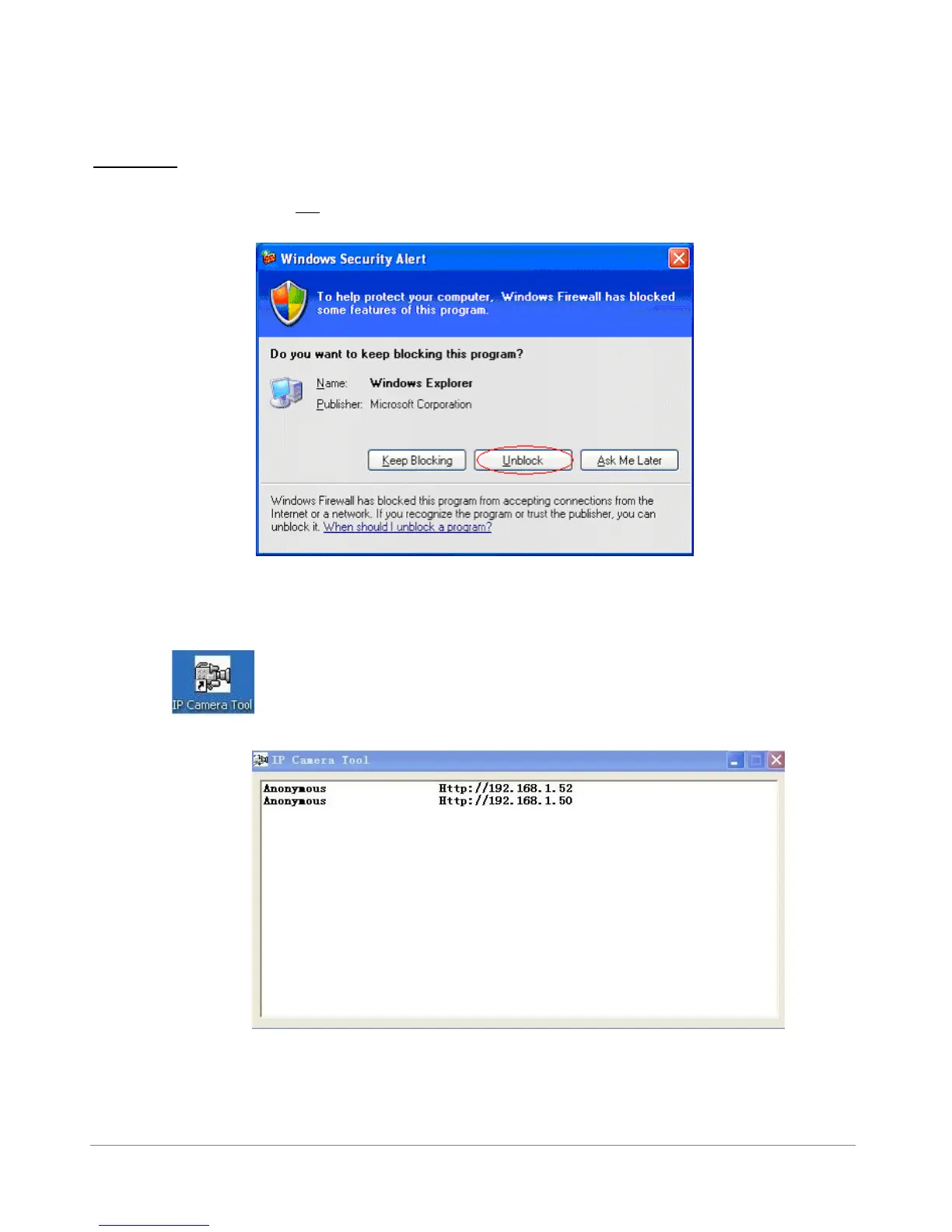
WARNING : On the first run of the program “IP Camera Tool” you might get a Windows Security Alert
Popup. It will ask you to choose a setting for the firewall. Please make sure you choose the ‘UNBLOCK’
option. Your IP camera will not work without unblocking the firewall settings.
1.7 IP Camera Tool
When the Device has been mounted properly, you can double click the Icon “IP Camera Tool”
and a dialog box as Figure 1.9 will pop up.
Figure1.9



 To Next Page