March 2013 65 IPV58
NOTE: Server Push Mode does not support ActiveX.
Play, Stop, Record, Multi-device settings, Path settings functions are controlled by ActiveX, so if
you use Safari, Firefox, Google chrome browser, it is impossible to find these options.
The other functions are the same as ActiveX Mode (For IE Browser)
3.20 Sign in mobile phone
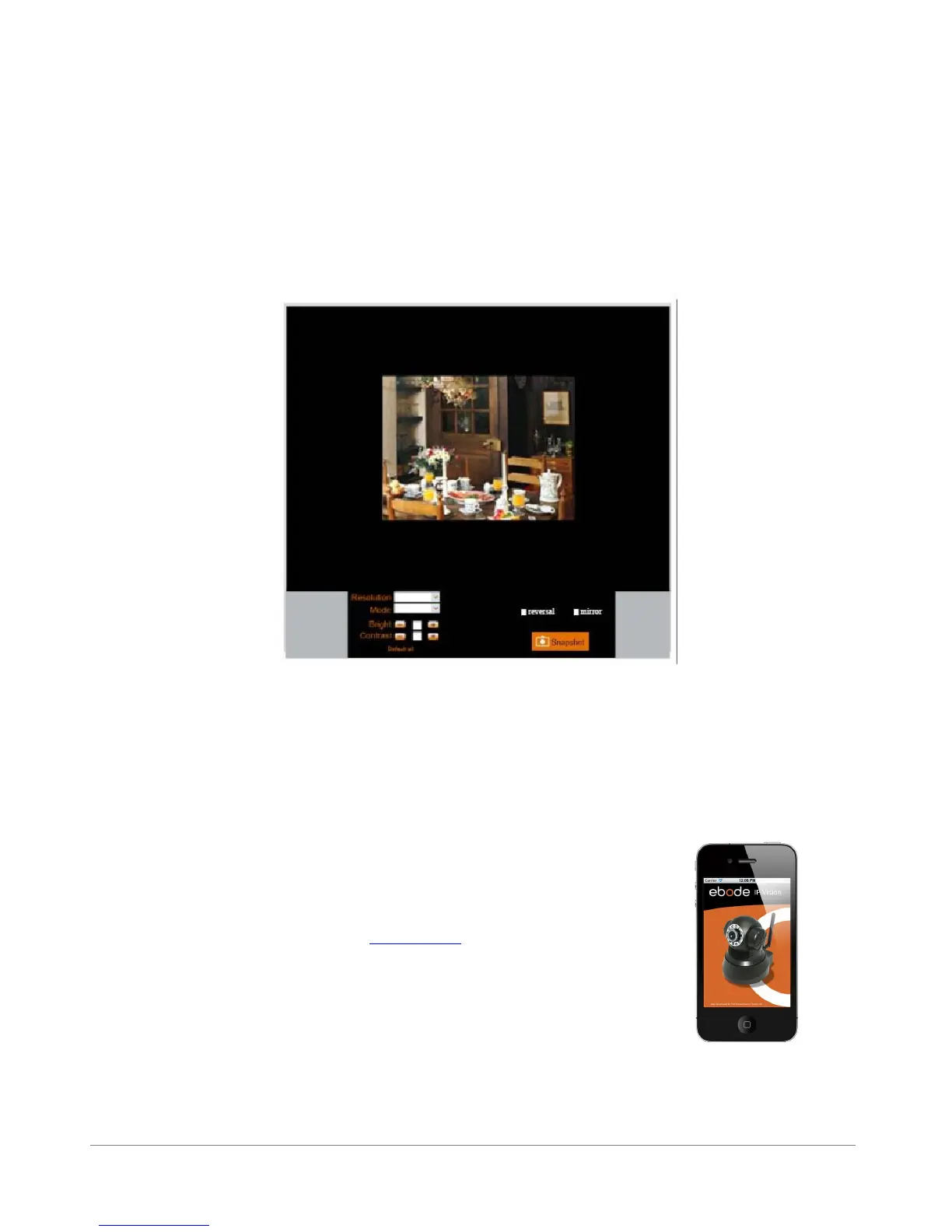
If you are using a mobile phone, choose Sign in mobile phone, login the camera, you will see the main
user interface as below:
Figure 11.3
NOTE: Mobile phone Mode doesn’t support ActiveX.
In mobile phone mode, it only supports some easy functions, such as Resolution, Mode, Bright,
Contrast, Snapshot, Reversal, Mirror functions
4.1 Compatible Apps for mobile devices
Recently we introduced our own ebode app for the IP camera. With this
app you can remotely view and control your ebode IP camera from
your iPad®, iPhone® or iPod Touch®, wherever you are*.
Go to the App Store to download the IPVision App (€3,99)
On the bottom of your camera you will find the address (DDNS e.g.
http://a5151.gipcam.com) for remote access. Please note additional
steps (static IP, Port change, Portforwarding etc.)are required!
FEATURES
- View the live video feed of your cameras
- Control the cameras in all 8 directions (if supported by the camera)
- Motion detection (only for cameras that support it): send mail on motion detection, set sensitivity,



 To Next Page