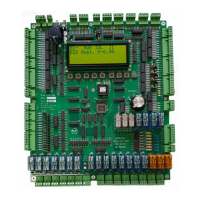
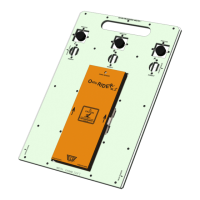
1. Ensure SIS unit is mounted firmly.
2. Some magnets may have dead spots. Change faulty magnets.
3. Ensure software is latest Version.
4. On terminal floors – ensure that MSU/MSD initiates slowing before TSL/BSL respectively.
Re-leveling won’t operate
Check RLV setting.
Red3 LED is not blinking
The microprocessor has locked up (possibility caused by electrical noise interference, power failure). Reset via a processor
power on reset (POR);
• Turn the power supply off
• Wait for 10s
• Turn the power supply back on
• Observe LEDs status.
Under normal operation;
• The red Red3 LED blinks to confirm that the microprocessor is running.
• The yellow Yel3 LED comes on to confirm outputs are enabled.
• The green Grn3 LED comes on during power up and turns off during normal operation. It will
also flash once when a new value has been written in to EEPROM..
When re-powering; ensure the lift is off for 10 seconds before turning back on.
On power up, a delay of approximately 2 seconds is given on start up to ensure voltages are stable prior to reading
and writing outputs.
Processor errors/Lockup:
Ensure 0V and 10V AC supply present at board terminal
Try new microprocessor IC.
35V 470uF capacitor damaged.
Crystal damaged.
Lockup may be due to spike/noise. All relays, valves, brakes, door motors etc must be suppressed with an
appropriate filter or surge absorber unit to prevent voltage spikes and back emf/noise.

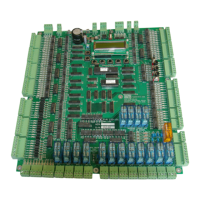

 To Next Page