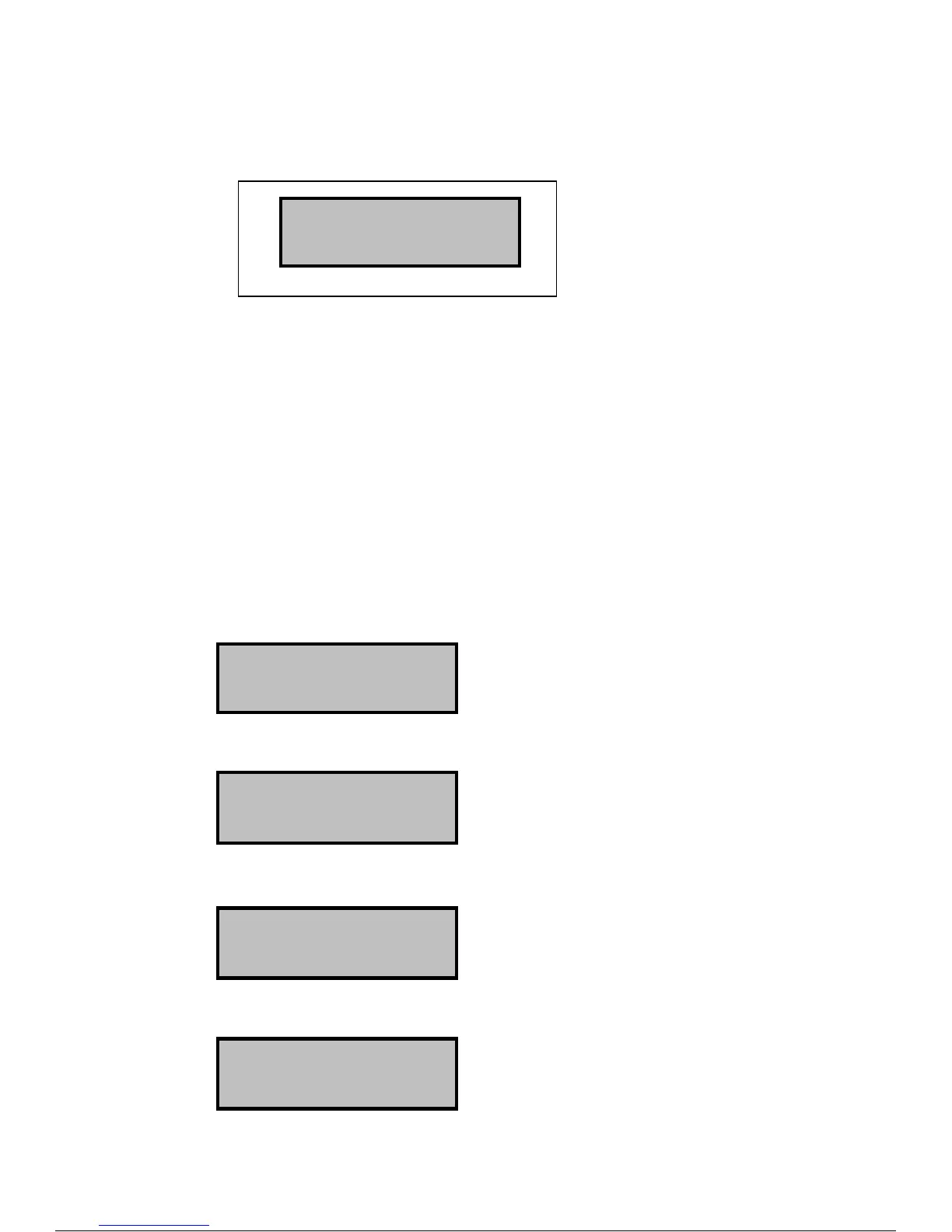
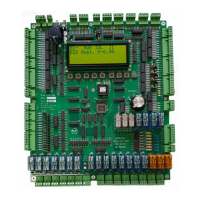
L I Q U I D C R Y S T A L D I S P L A Y
LCD Control Buttons
The Control buttons
are used for accessing
and programming the
second line of the
LCD display
>
>>
> <
<<
< ∧
∧∧
∧ ∨
∨∨
∨ ENT
Buttons -
• >
>>
> =FORWARDS
• < = BACKWARDS
• ∧ = UP
• ∨ = DOWN
• ENT = ENTER
LCD Display Options
Use the forwards and backwards buttons to cycle through the available options
Text plus software version
∧ UP
Software Build date
>
>>
> FORWARDS
EEProm settings and values
Press ∧ and ∨ to scroll through the adjustable EEprom
settings.
See Section 2, EEprom settings
>
>>
> FORWARDS
R - internal ram address’ and values
X - internal ram address’ and values
>
>>
> FORWARDS
02u NOR IDL ][][
ECD Aust. V-4.02
02- NOR IDL ][][
ECD Aust. V-4.02
02- NOR IDL ][][
Bld: Sep 09 2011
02- NOR IDL ][][
BOT 01 :00000000
02- NOR IDL ][][
R:00 00 fc fe e9


 To Next Page