33
8.3 Main Screen
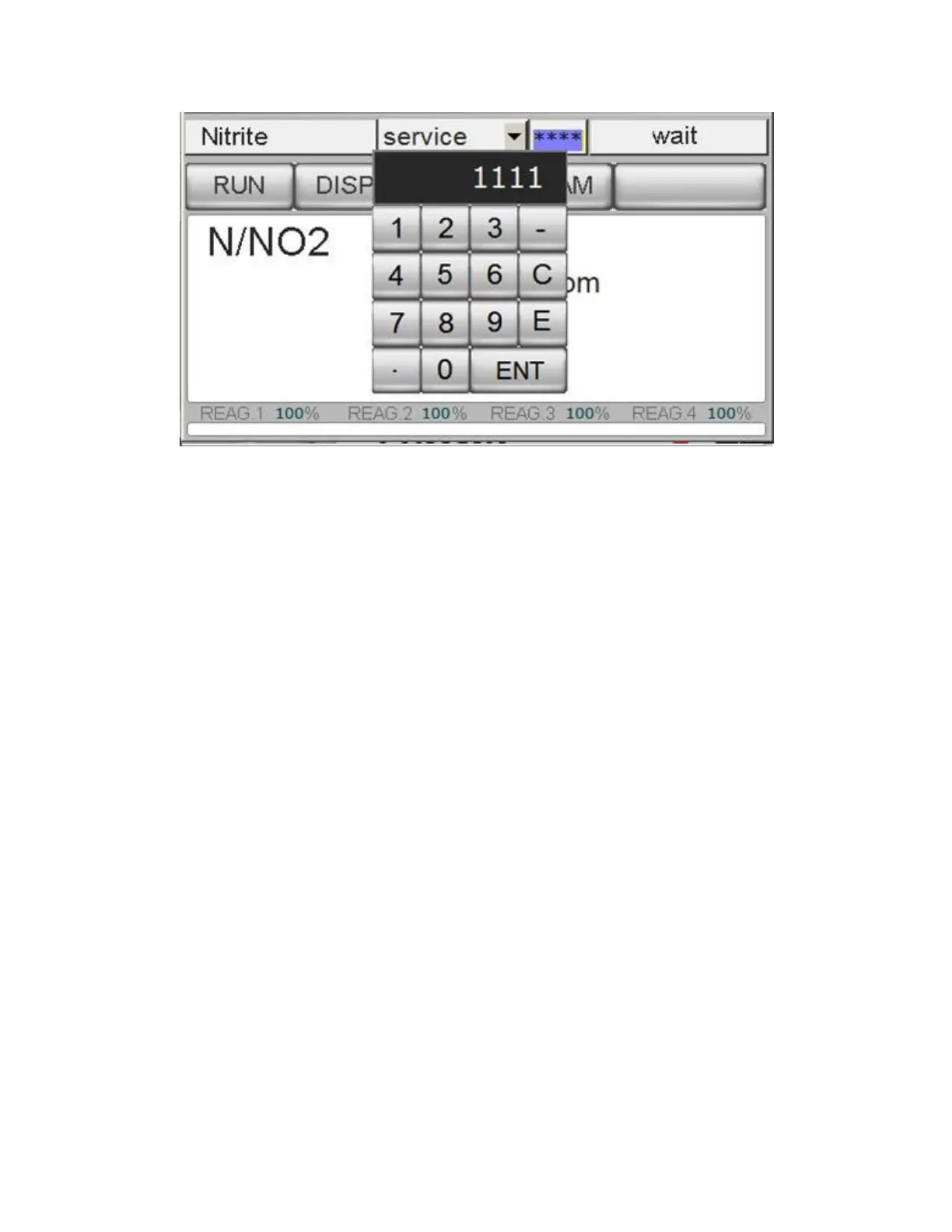
The main screen displays the analyzer status, the measured parameter, reagent status and provides access to the
various Menus.
Analyzer type (read only window) example: Silica Analyzer, Ammonia Analyzer, Nitrite Analyzer, Phosphate
Analyzer…
Login **** window (two levels of password); pressing on **** the user can enter the 4 number password
Menu Buttons provide access to the sub-menus Run, Display, Program, Service and (?) Help
Measured Value with engineering units (ppm or ppb) of the last analysis
Alarms / Relay status
Current Operation of the analysis cycle in progress
% Reagent Consumed, if the reagent level goes below 4% value, the analyzer goes in FAULT alarm and stops
automatically. The alarm message will be displayed in the main menu and the FAULT contact will be
activated. Every time the reagent level is restored, it is necessary to reset the value to 100% by pressing the
%value of the filled Bottle Reag. 1, 2, 3 or 4 Filled? →YES.



 To Next Page