34
8.3.1 Status Modes
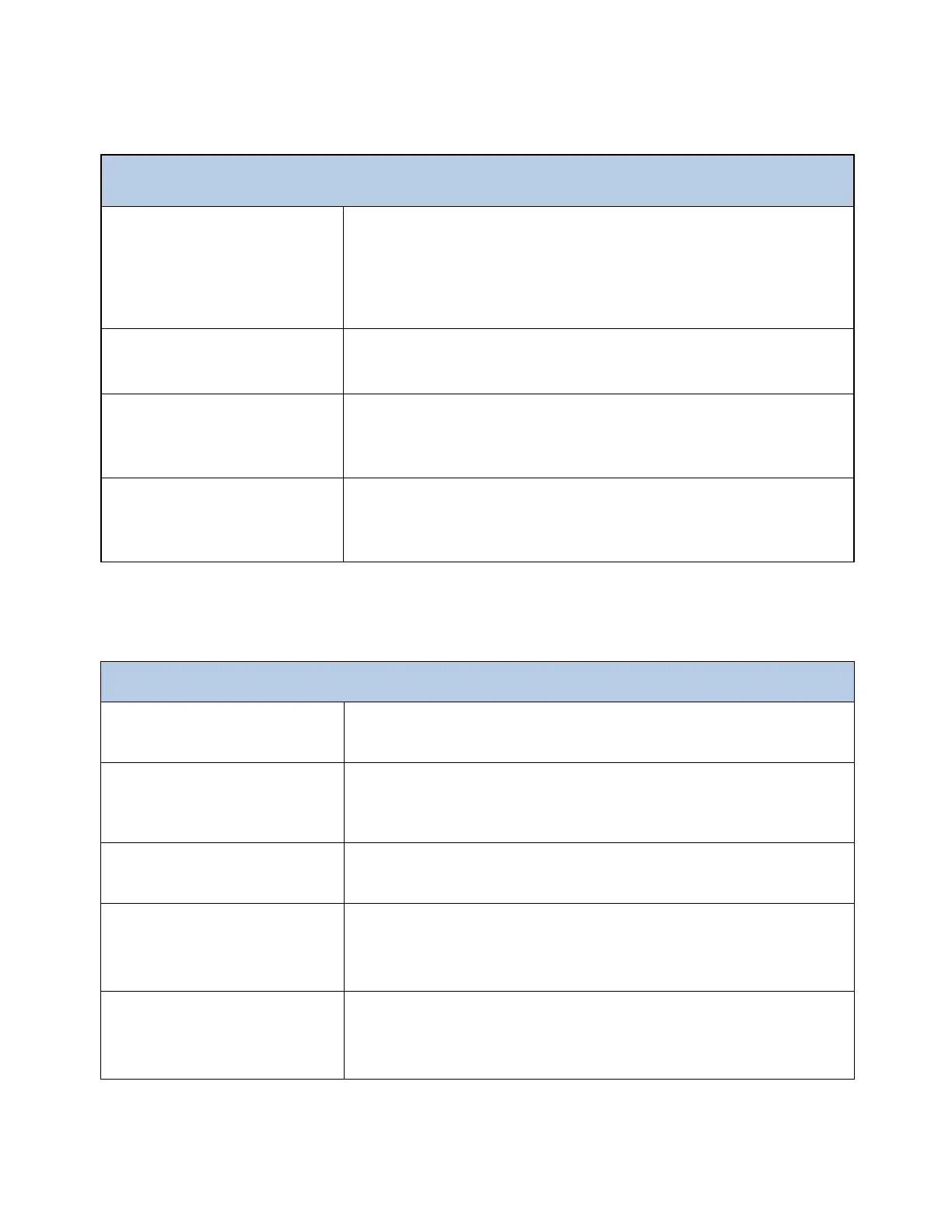
ANALYZER OPERATING STATUS
The analyzer is performing a continuous set of analysis based on the steps
programmed in the Analysis Cycle menu. When the analyzer completes an
analysis cycle, it restarts a new analysis. This condition is identified as the
ON-LINE condition. The Analysis is started when the START ON LINE? button
is pressed.
The analyzer performs a set number of analysis cycles. When the cycles have
been completed the analyzer will switch to STAND-BY Mode.
The analysis cycle has stopped and the analyzer is waiting for a command.
The analyzer switches to STAND-BY at any forced stop whether manually or
fault generated. STAND-BY also occurs at the end of a SINGLE CYCLE.
The analyzer has been forced to stop. A message on the main menu shows
“MANUAL STOP” and the associated fault condition. Press RUN and then
RESET to return analyzer to stand-by mode (WAIT)
8.3.2 Menu Buttons
The RUN Menu provides access to the Start /Stop functions of the analyzer:
Start On-Line, Cycles to Run and Emergency Stop and RESET.
The DISPLAY Menu provides access to all measurement data, Manual Step
functions, the current step in the analysis with elapsed time, the sensor's
signal Trend Graph and the Data logger.
The PROGRAM Menu provides access to the Analysis Cycle, the Extra Cycle,
the Calibration Menu and the Setting Menu.
The SERVICE Menu provides access to the analysis parameters, the time, the
hour, the blank value, to configure the 4-20 mA output, Alarm Relays, Digital
Input and LED MAX and the Blank and Factor values.
The HELP Menu includes: Analyzer Installation, Start Up, Start/Stop
Commands, Calibration, Program/Modify Cycle, Functions, Shut Down,
Maintenance and troubleshooting.



 To Next Page