SD Series Dry Cabinets Setup and Operation Manual | A55-7379-00 Rev: 2.0.0 Page 37
9.1 SMARTDRY™ MENU SYSTEM
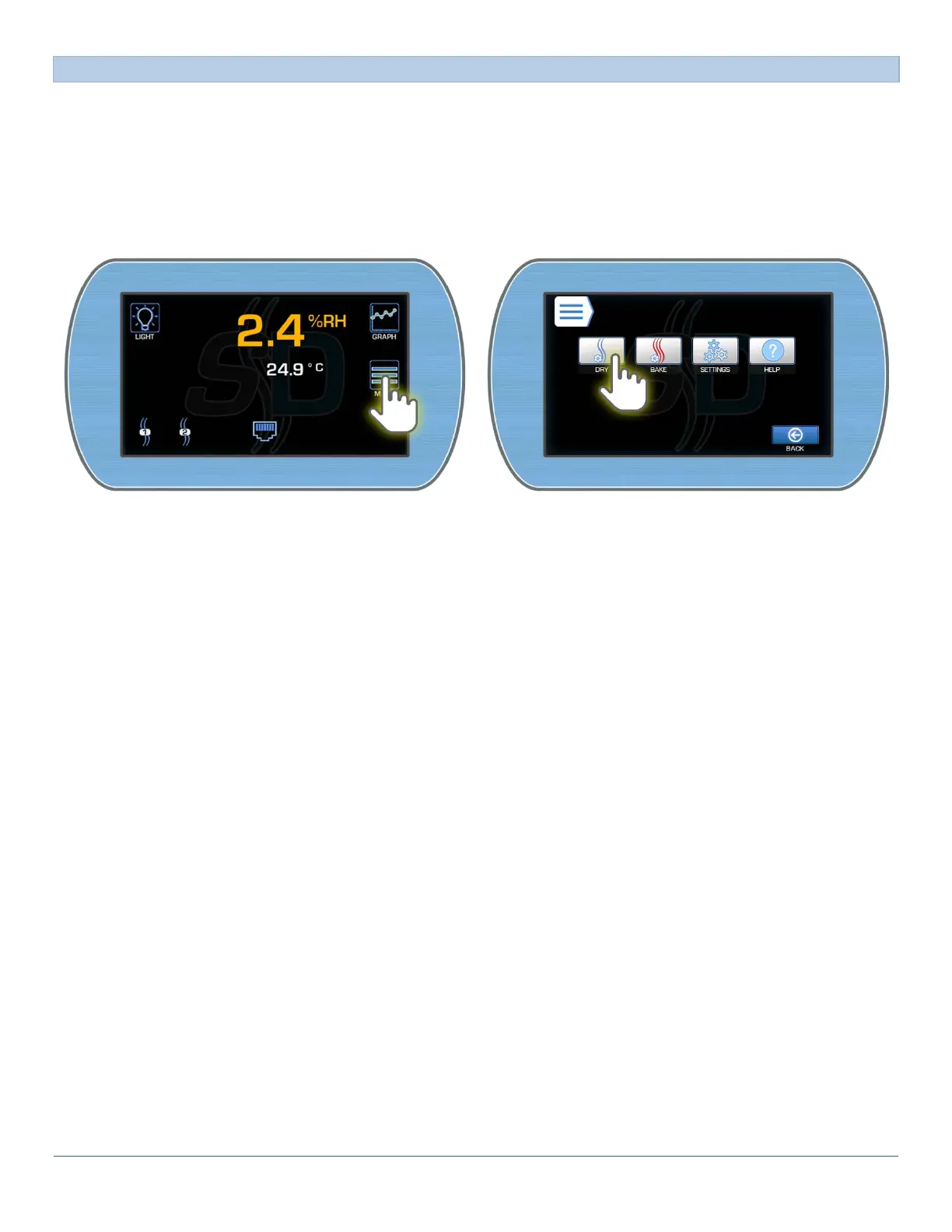
Access to all programmable features start at the Main Menu. Both SmartDRY™ and SmartBAKE™ controls as
well as other general settings can be accessed.
To access the SmartDRY™ Menu:
1) From the Main Display, enter the Main menu by pressing the Menu button. Enter the SmartDRY™ Set-
tings by pressing the Dry button.



 To Next Page