SD Series Dry Cabinets Setup and Operation Manual | A55-7379-00 Rev: 2.0.0 Page 10
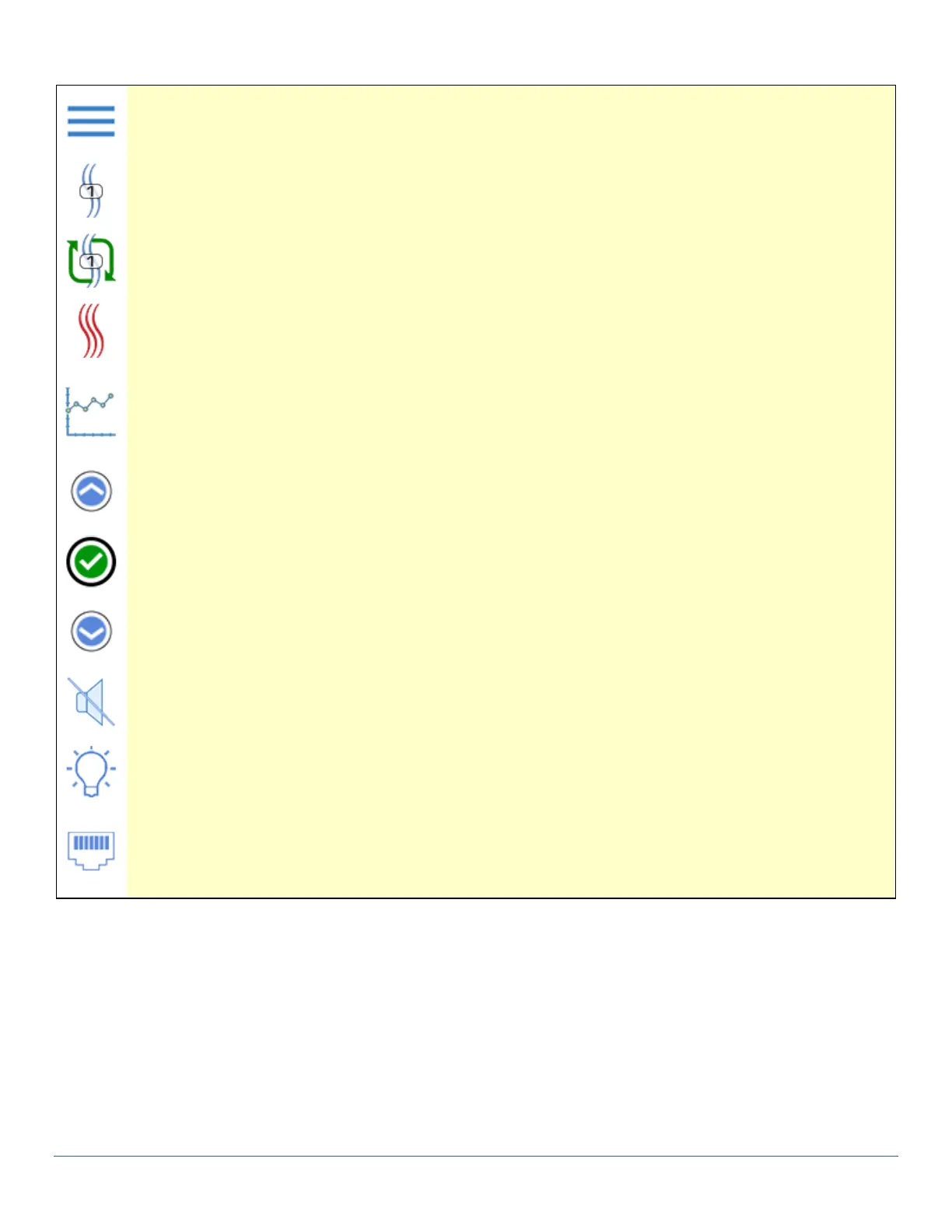
Control Panel Symbols:
Displays Main Menu.
Animated symbol that indicates Drying in process. Static indicates this dryer is on line.
Animated symbol that indicates Regeneration in process. Static indicates awaiting regeneration.
Animated symbol that indicates heat is being applied. Static indicates Bake cycle initiated.
Displays a graph (rH or Temperature)
Moves increments a user entered value.
Approves a user set value for the the current highlighted menu item.
Moves decrements a user entered value.
Mutes the buzzer for all current alarms.
Press to turn on the interior lights.
Indicates that the cabinet is connected to a network.



 To Next Page