SD Series Dry Cabinets Setup and Operation Manual | A55-7379-00 Rev: 2.0.0 Page 63
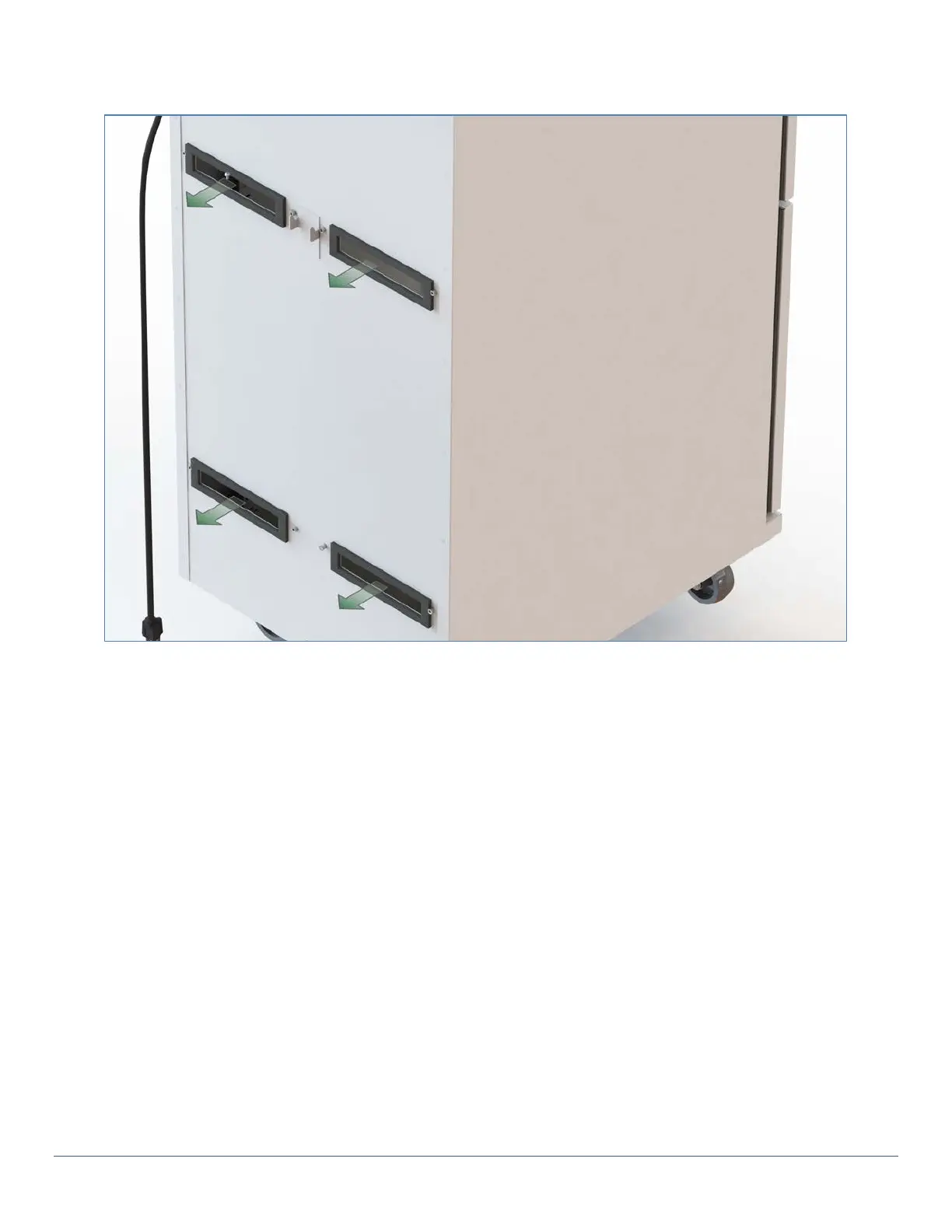
6) If needed, remove and replace the 4 gaskets (supplied with the replacement Dryer) onto the back of
the Cabinet rear panel. Place the gaskets over the mounting standoffs to hold them in place.
7) Raise the replacement Dryer using the lower left and right corners into position and over the hanger
hook.
8) Replace the 8 (8-32 x 1/4"long) mounting screws that secure the dryer to the back panel: 4 across the
top and 4 across the bottom.
9) Replace the cover by slipping it straight back over the Dryer. Do not force it; it may need to be shifted
up or down to align it into position and replace the 4 screws (6-32 x 1/2" long) that secure the cover: 2
on the top and 2 on the bottom.



 To Next Page