SMATV Configuration
Symbol rate alternative 2 27500
Symbol rate alternative 3 27500
FEC AUTO
Start Auto Search
Symbol rate alternative 11
2
4
3
5
? 27500 ?
i
Exit
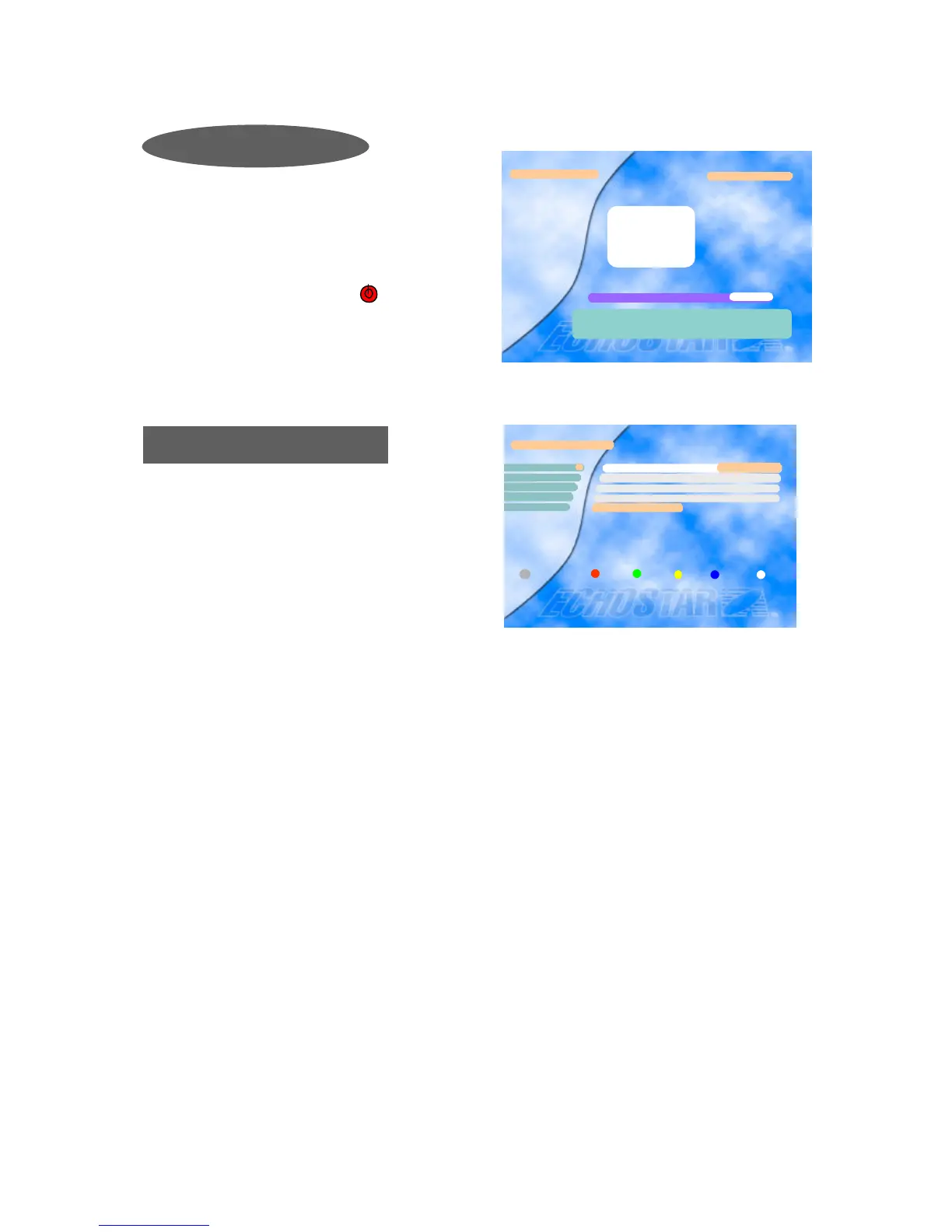
Using the Auto Search option, the EchoStar DSB-700
FTA searches for all available channels (Radio and T
V) on the currently selected satellite. The names of the
found TV channels are shown on the left and the total
number of found TV and Radio channels are mentione
d on the right.
Note: To stop searching press the key on the
remote control or on the front panel. This cancels the
searches and the found channels will be discarded. All
other keys of the remote are disabled during
searching.
Auto Search
A Satellite Master Antenna Television (SMATV) system
is intended for the distribution of television and
sound signals to households in one or 6 more adjacent
buildings.
A SMATV System represents a means for sharing
the same resources among several users for satellite and
terrestrial reception, and it is designed to perform
the adaptation of the satellite TV signals to the SMATV
channel characteristics.
This receiver has a SMATV-IF facility to operate with SMATV.
This configuration allows the direct distribution of the QPSK signal received from the satellite
to the SMATV-IF distribution network in the extended IF band (above 950 MHz).
Before you start, you have to check whether it is possible to use this facility or not in your
household. (You can ask your landlord.)
If this receiver is connected to a SMATV network, select “SMATV Configuration”.
The most common values for “Symbol rate” and “FEC” are already preprogrammed.
(if need be you can enter alternative “Symbol rates” manually.)
Select “Start Auto Search” and just press the OK key.
Then, the “Auto Search” procedure will start.
To cancel the processing while the “Auto Search” is proceeding, press the MENU key.
SMATV Configuration










 To Next Page