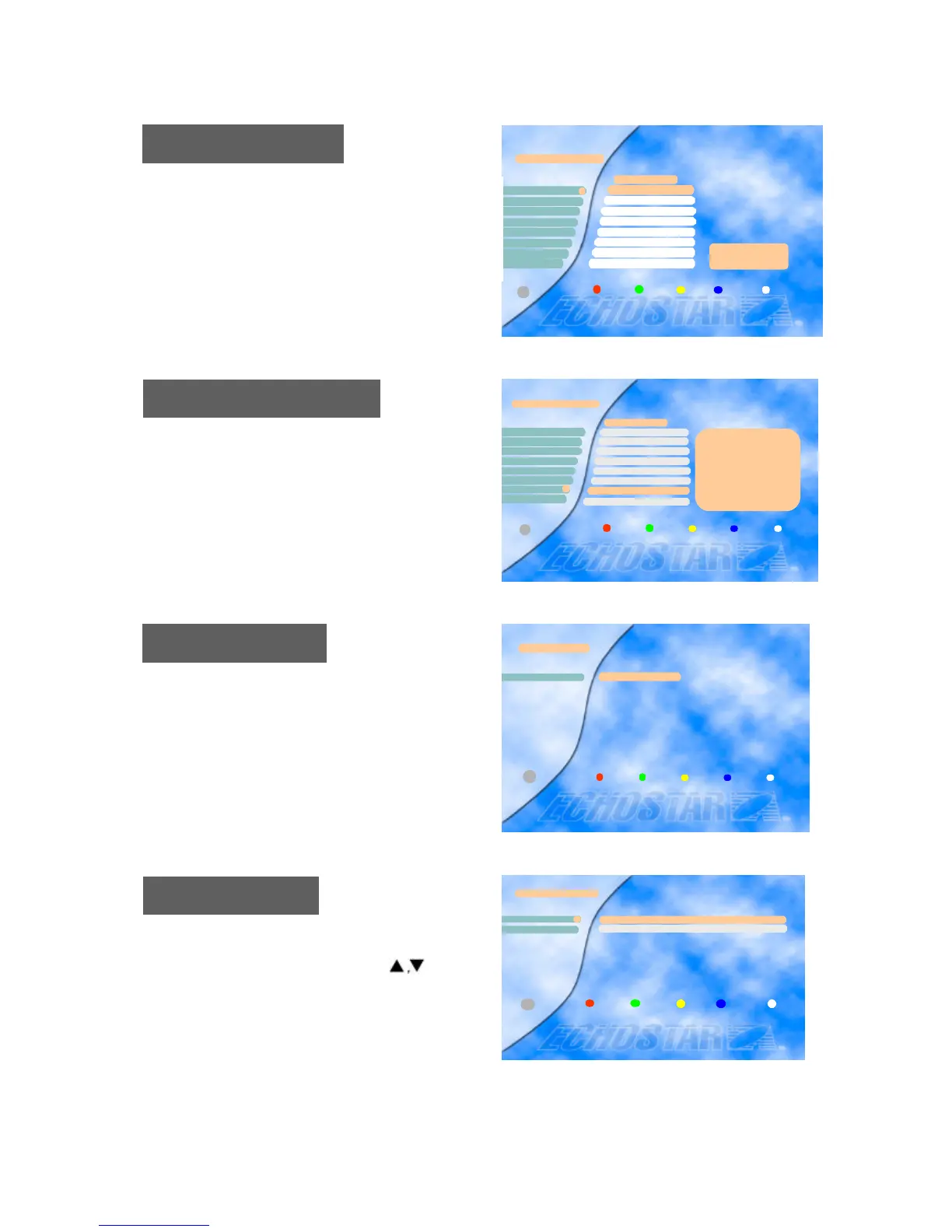
Edit Radio Channel
Use the same procedure for the Radio Channels as
described for editing the TV Channels above.
Edit Radio Channel
Hit Liste
Blues
Classic Rock
Soft Rock
2
3
4
ASIASAT2
Generation ROC
Love Songs
Dance
REE
5
7
6
8
Delete Cancel Move Favorite Exit
i
1
Edit Satellite
To delete a transponder, press the Red key after selectin
g the transponder you
want to delete.
To delete a transponder, press the Blue key
Then the “Edit/Add SAT or TP” menu will be displaye
d, and you can add a transponder in that menu.
Edit Transponder
Select Satellite
To move to another satellite you want to watch, press
the SAT key on the remote control or select the menu
and choose the proper satellite with the keys.
Press the OK key to confirm.
Edit Satellite
ASTRA11
Exit Delete Cancel Add SAT
Satellite Name
i
Select Satellite
APSTAR2R
ASTRA11
2
Exit
i
To delete a satellite, press the Red key after selecting th
e satellite you want to delete.
To add a satellite, press the Blue key.
Then the “Edit/Add SAT or TP” menu will be displaye
d, and you can add a satellite in that menu.
TP/Pol/SR
3640/H/27850










 To Next Page