TP/Signal Quality 12539
Satellite
STB Upgrade
Longitude 13.0Eº2
3
1
Exit
i
LNB polarization Horizontal
4
Symbol Rate 275005
FEC AUTO6
? HOTBIRD ?
Upgrade Default
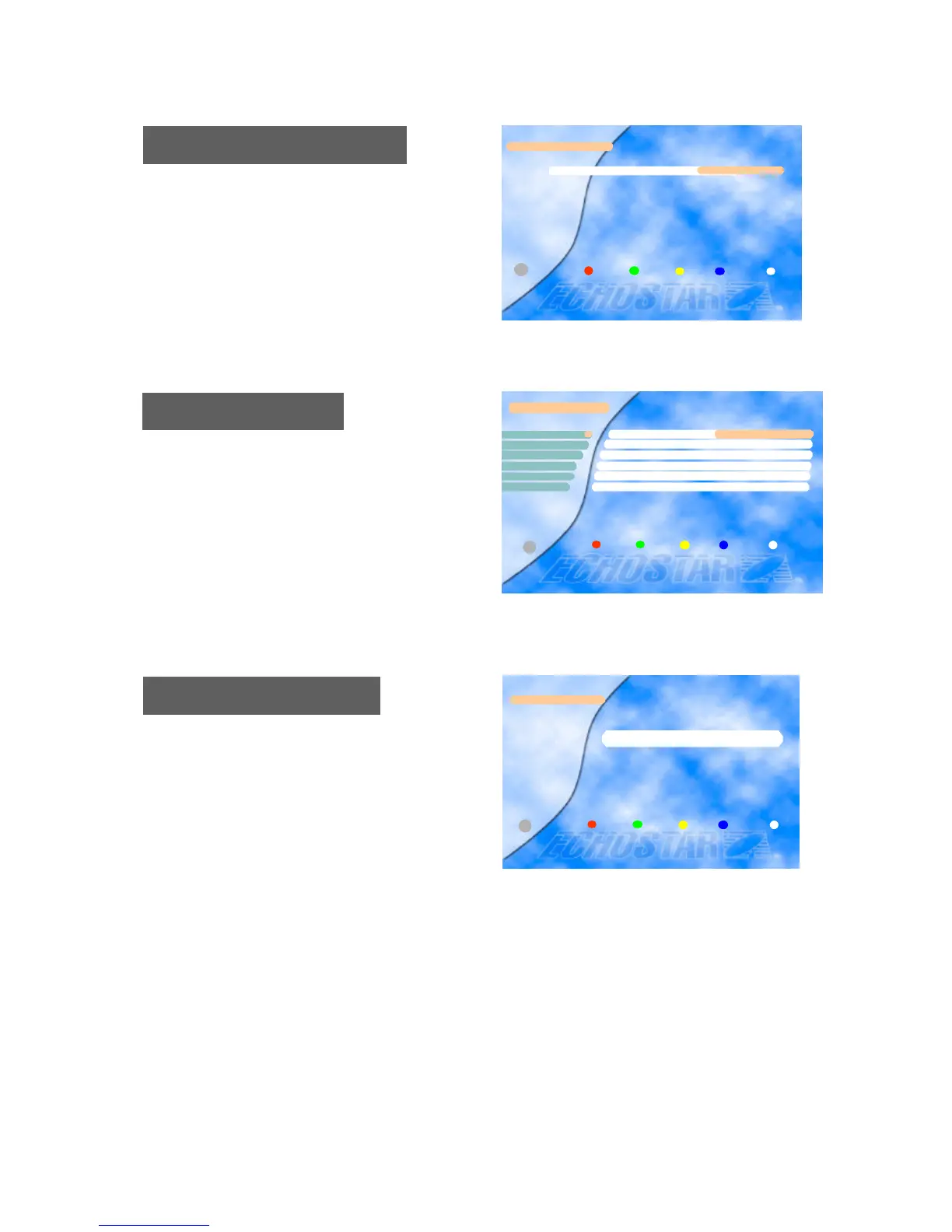
You can edit up to 8 local oscillator frequencies using t
he numeric keys.
Press the OK key to save the newly edited frequency.
If you want to reset all the data edited, press the Red bu
tton twice.
Edit LNB Local Frequency
Reset (Factory Default)
Edit/ LNB Local Frequency
LNB Local Freq. 0..9
? 11300 ?
Exit
i
Reset (Factory Default)
* If you want Factory Reset, press Red button
Reset Cancel Exit
i
In this menu, you can upgrade the receiver with new s
oftware being provided through the satellite.
To download new software, you should set the correct
data provided by EchoStar.
After setting the data, you can upgrade the receiver by
pressing the Red key.
If you press the Yellow key, the settings will be chang
ed back to the default values.
STB Upgrade
CAUTION : By performing an STB upgrade you will loose all your stored data.










 To Next Page