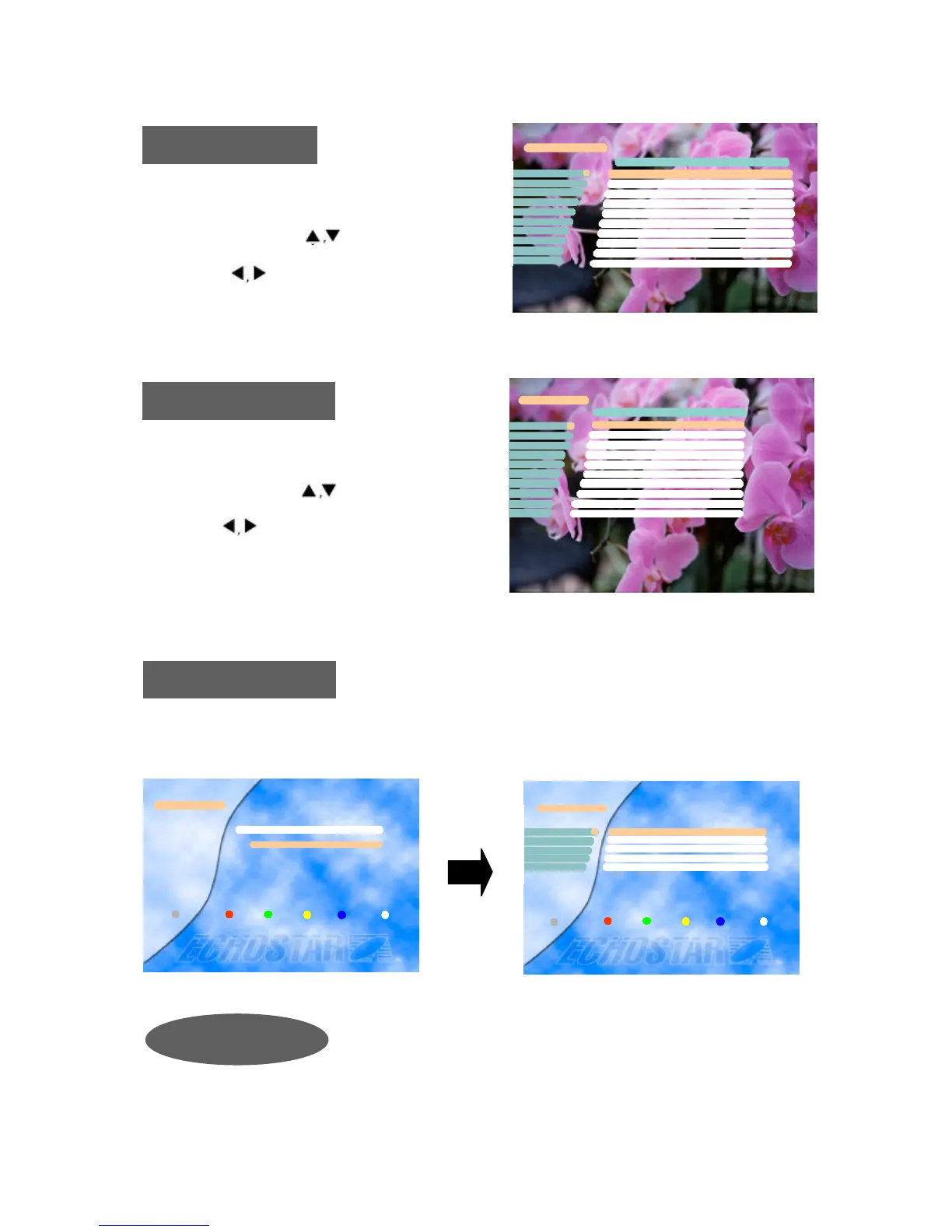
Parental Control
With parental control one can prevent a TV channel from being watched, a Radio Channel from
being heard, the receiver settings from being changed or an unauthorized change in the installation
from being performed.
TV Channels
You can select the channel you would like to watch eith
er by pressing the numeric keys for the channel number
or by moving the highlighted bar to the channel of your
choice using the keys. Press the OK key to select
the channel.
* Press the keys to move one page up or down.
Radio Channels
The pre-programmed PIN (Personal Identification Number) code is set as
[0000]. If you want to change it, please follow the procedure shown as
before.
Change PIN Code
Enter PIN Code
[ ? ? ? ?]
Parental Control
Exit
i
Parental Control
TV Channel Lock
Radio Channel Lock
Receiver Lock Off
Installation&Edit Lock Off
Change PIN code1
2
4
3
5
Exit
i
You can select the channel you would like to watch eith
er by pressing the numeric keys for the channel number
or by moving the highlighted bar to the channel of your
choice using the keys. Press the OK key to select
the channel.
* Press the keys to move one page up or down.










 To Next Page