24
Adjusting sound quality
Basic operation
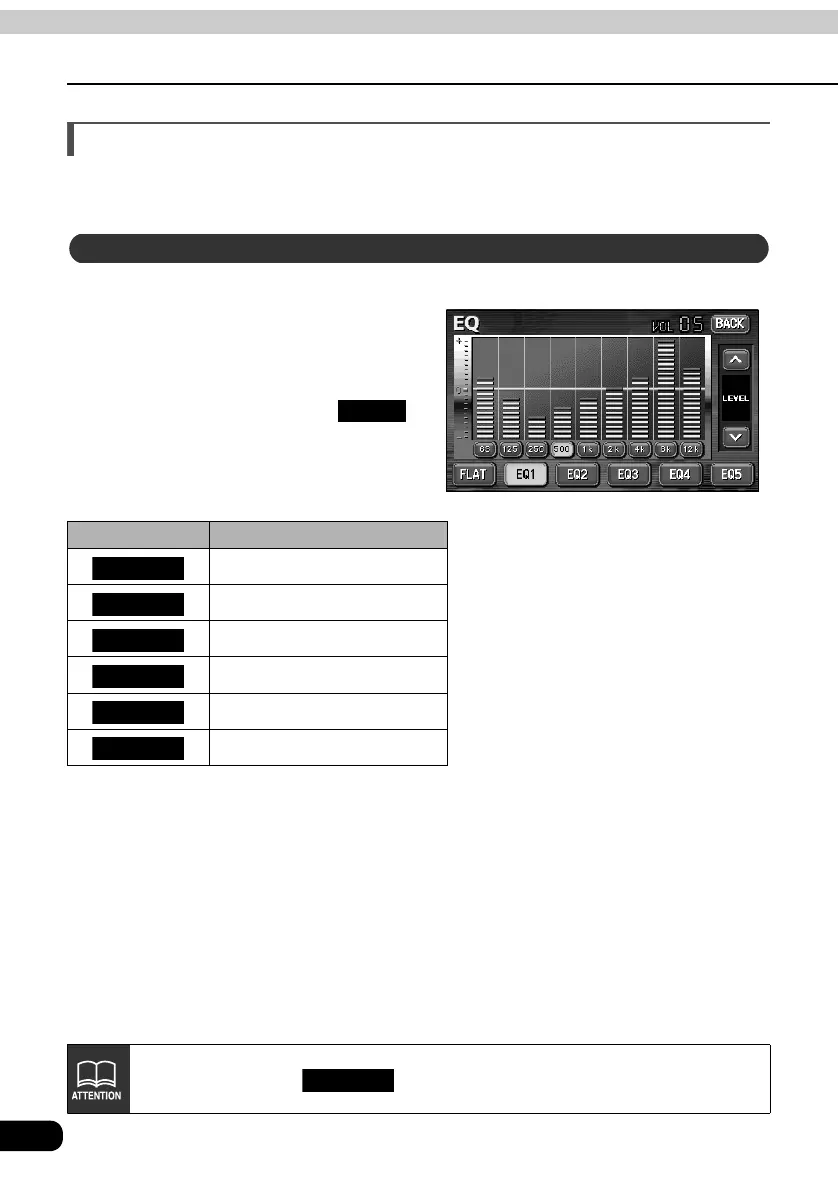
Adjusting EQ (equalizer)
Adjusts sound quality to preferred characteristics according to the music genre and audio
source.
Each factory set equalizer pattern can be selected and adjusted to preference.
Touching the touch switch brings
up the equalizer mode screen as
shown in the table.
• After making settings, touch .
The equalizer mode adjustments will
be saved and the system will return to
the previous operation screen.
Touch switch Equalizer mode types
No EQ correction
Effective pattern for POPS
Effective pattern for ROCK
Effective pattern for JAZZ
Effective pattern for CLASSIC
Effective pattern for VOCAL
Setting sound quality
BACK
FLAT
EQ1
EQ2
EQ3
EQ4
EQ5
The default setting is .
EQ3



 To Next Page