32
Basic operation
Adjusting/setting the screen
Quality adjustments can be made for the images such as the audio operation screen,
navigation screen and VTR (optional).
Displaying the image adjustment screen
Contrast, brightness and other picture (only for VTR) settings can be made for viewing video
or the audio operation screen.
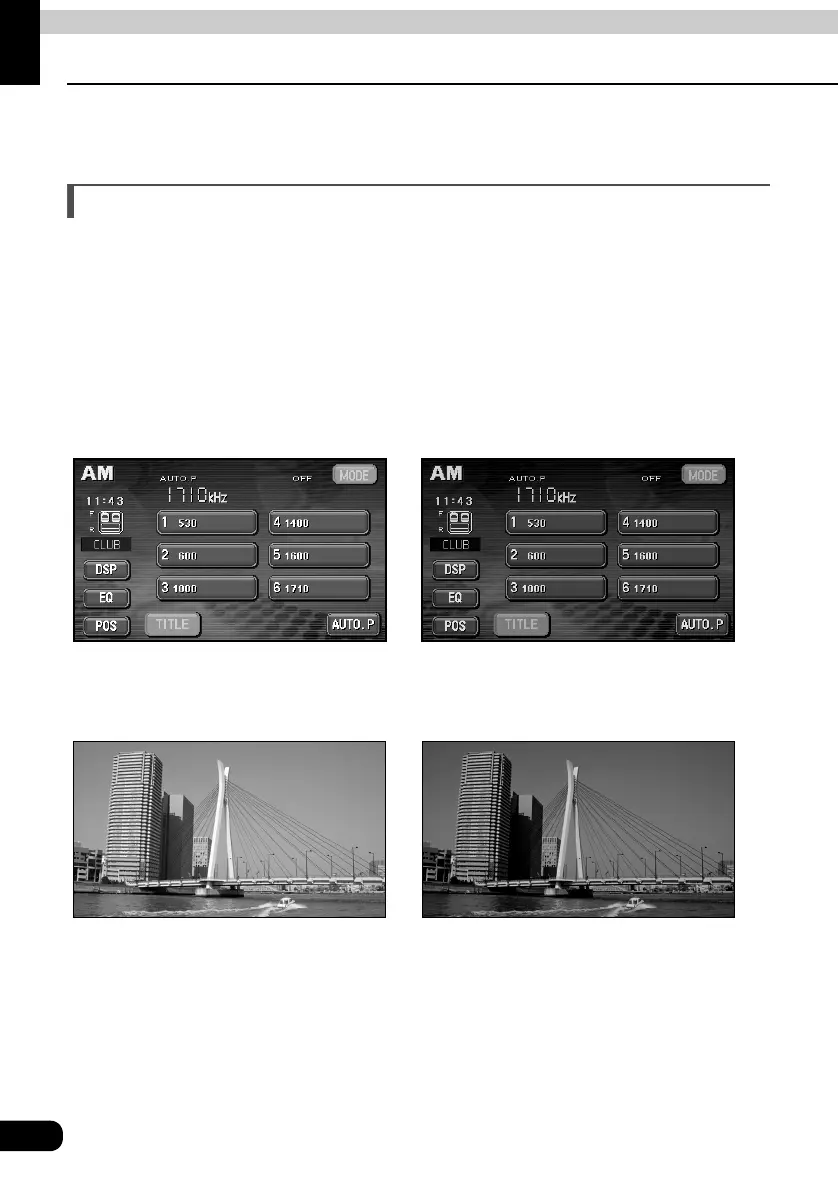
To make viewing easier, the display switches between day screen/night screen according to
whether the vehicle lights (parking lights, taillights, license plate lights) are on/off.
(Default settings)
• When vehicle lights are on: [Night screen is displayed]
• When vehicle lights are off: [Day screen is displayed]
[Audio operation screen]
● Day display [Vehicle lights are off] ● Night display [Vehicle lights are on]
[VTR Screen]
● Day display [Vehicle lights are off] ● Night display [Vehicle lights are on]



 To Next Page