45
RADIO
Changing the SIRIUS band
Touch on the SIRIUS operation screen.
• The BAND changes.
[SIRIUS 1] → [SIRIUS 2] → [SIRIUS 3] ... → return to [SIRIUS 1]
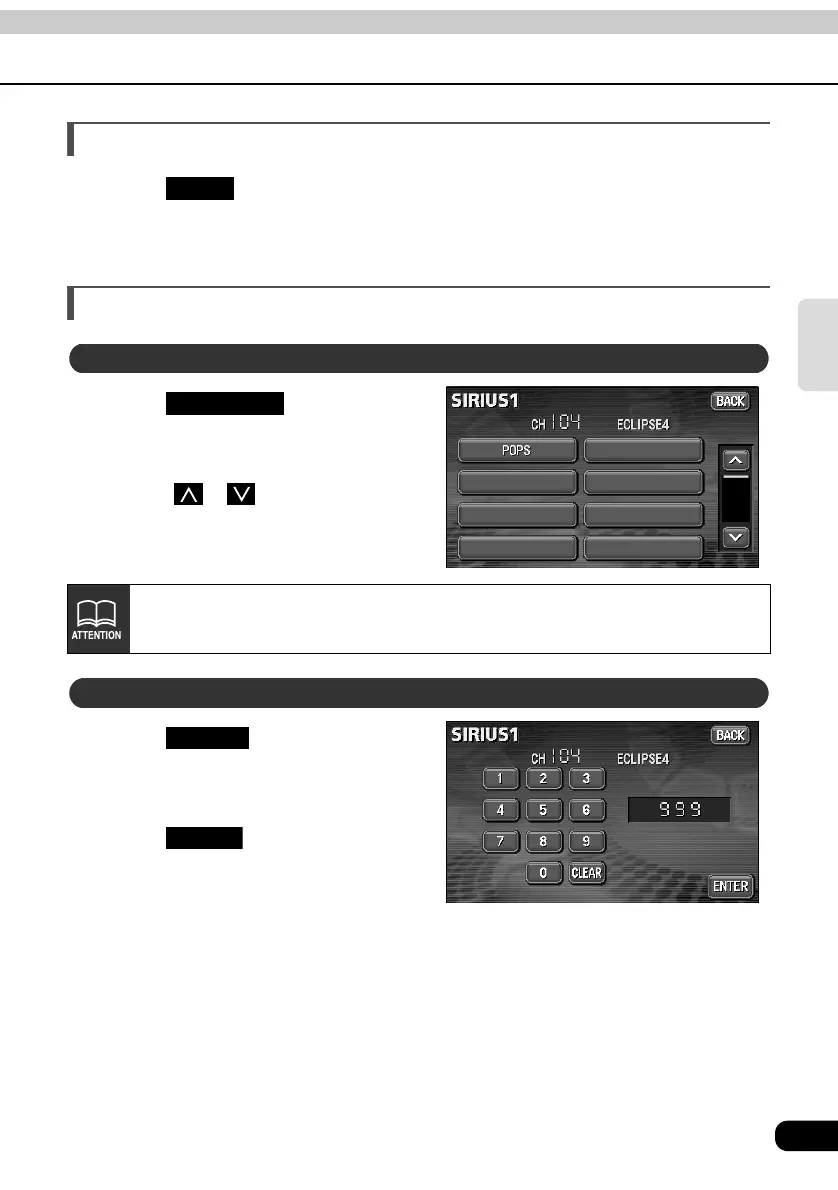
Selecting the channel you want to listen to
Touch .
Select the category that you want.
• Touch or to switch categories.
Touch .
Input a channel.
Touch .
If the selected category is unobtainable, the blank category button appears.
BAND
Selecting from the available categories
CATEGORY
Selecting a channel by direct input
DIRECT
ENTER



 To Next Page