73
Remote
control
How to play CDs
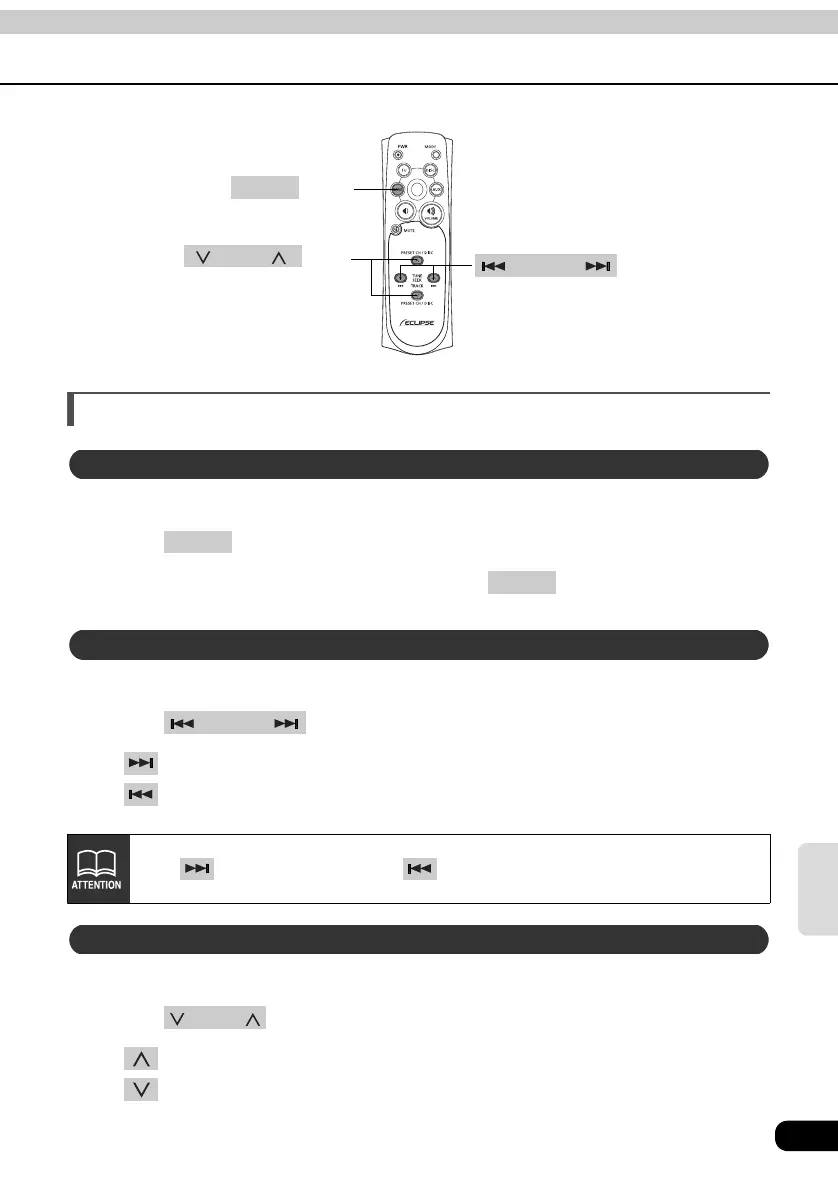
Select the CD Changer mode first.
Press .
When two CD changers are connected, press to change modes from CD
changer 1 → CD changer 2.
Select the CD or CD Changer mode first.
Press .
• button: Skips to the next track.
button: Returns to the beginning of the track being played. (Press repeatedly to
move to previous tracks.)
Select the CD or CD Changer mode first.
Press .
• button: Selects the next higher number disc.
button: Selects the next lower number disc.
button TRACK
button
BAND
button DISC
Switching CD Changer modes
BAND
BAND
Advancing to the next track or returning to the beginning of the track being played
TRACK
Hold down to fast forward, or to rewind through the track being played.
Skipping to the next or previous disc
DISC



 To Next Page