28
Adjusting sound quality
Basic operation
Setting the BEEP tone
The guide tone that is emitted when touching a panel switch or touch switch can be set to on
or off.
Touch on the INFORMATION screen.
Touch or of GUIDE TONE.
• The pressed touch switch will become green.
• Touching will cancel (turn off) the guide tone.
Touch .
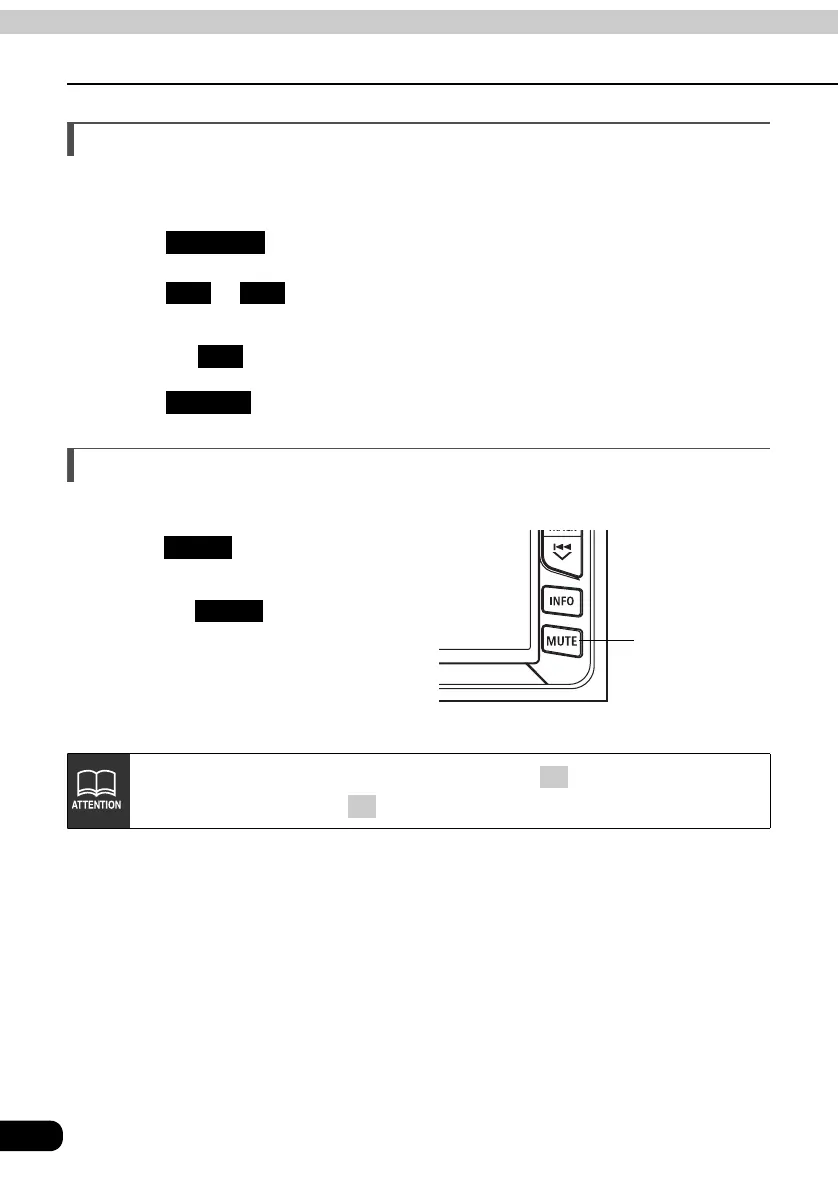
Muting sound
Sound from the audio system can be temporarily muted.
Press .
• Volume will become zero.
• Pressing switch again will
return to previous volume.
• The VOLUME display will flash during
mute.
SETTING
ON OFF
OFF
ENTER
MUTE switch
MUTE
MUTE
The MUTE function will be canceled on pressing the VOLUME switch (it is
unaffected by pressing the switch).
+
–



 To Next Page