71
Remote
control
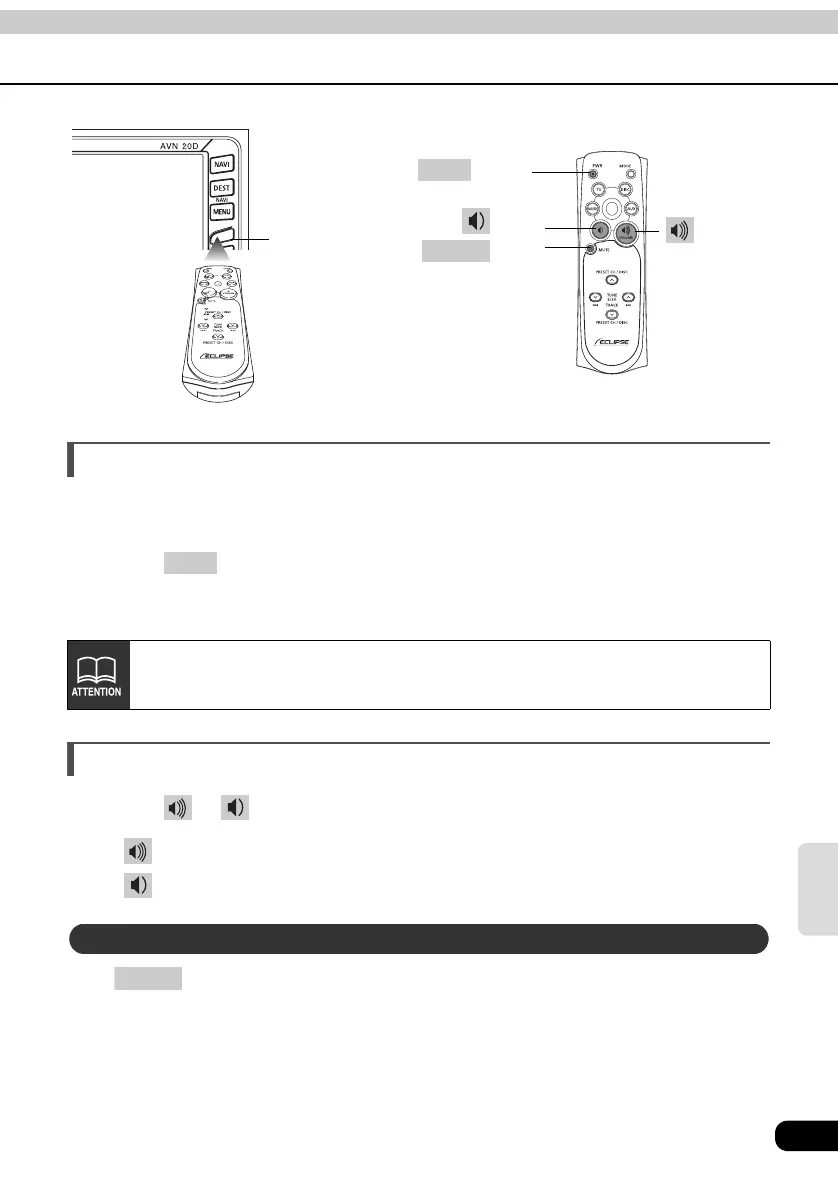
Turning the power on/off
When the power is turned on, the state used when the power was turned off such as CD and
tuner will be restored.
Press .
• The power turns on or off each time the button is pressed.
Adjusting the audio volume
Press or .
• button: Increases the volume.
button: Decreases the volume.
Press to cut the volume or restore it instantly.
Remote-Control light
receptor
button
PWR
button
MUTE
button
button
PWR
When the main unit is shut down, the remote control will not work.
Muting the Volume
MUTE



 To Next Page