25
Operation
25
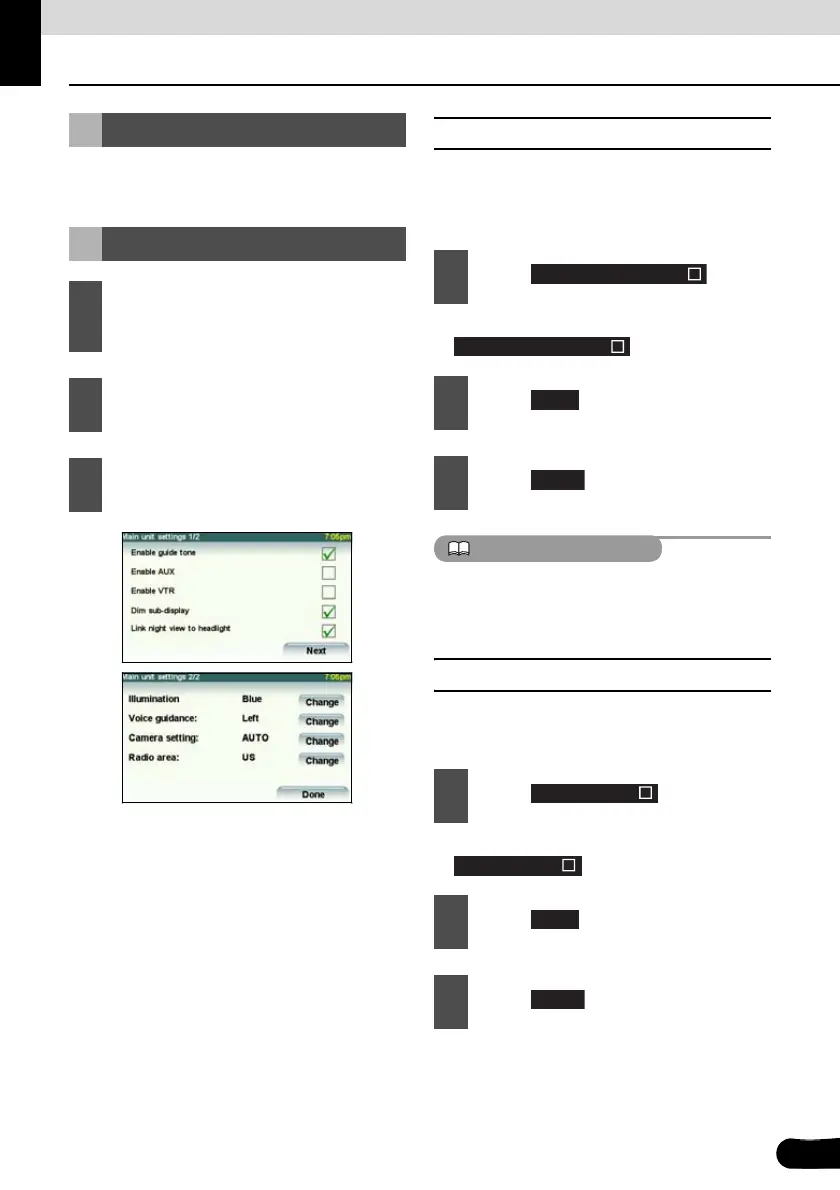
Setup of This Receiver
You can select the guide tone, illumination
and other useful functions of this receiver.
■ Enable guide tone
Turn the “Guide tone” ON or OFF. If turned
ON, a guidance tone can be heard when you
operate a button.
● It turns ON and OFF each time you touch
.
ATTENTION
The guide tone will only be output when the
audio (other than that of an iPod/USB) is
operated.
■ Enable AUX
Turn the “AUX setting” ON or OFF. If it is ON,
you can select the AUX input.
● It turns ON and OFF each time you touch
.
Setup of This Receiver
Main Unit Settings
1
Hold down the [SRC] button for 1 or
more seconds to turn the audio mode
OFF.
2
Press the [SCREEN AV/NAV] button
to call the Audio screen.
3
Hold down the [CTRL] button for 1 or
more seconds.
1
Touch .
2
Touch .
3
Touch .
1
Touch .
2
Touch .
3
Touch .
Enable guide tone
Enable guide tone
Next
Done
Enable AUX
Enable AUX
Next
Done



 To Next Page