66
66
Using the DVD Player
Visual operations
You can operate the menu recorded on the
disc.
ATTENTION
The recorded menu items vary depending on
the disc. This machine plays what is recorded
on the inserted disc; therefore, functions may
not operate as intend.
You can search for the desired video with a
title, chapter, or menu number (number
assigned for each content).
■ Finding by Chapter
● To the right:
When selecting the next chapter
To the left:
When selecting the cue or previous
chapter
■ Finding by Title Number
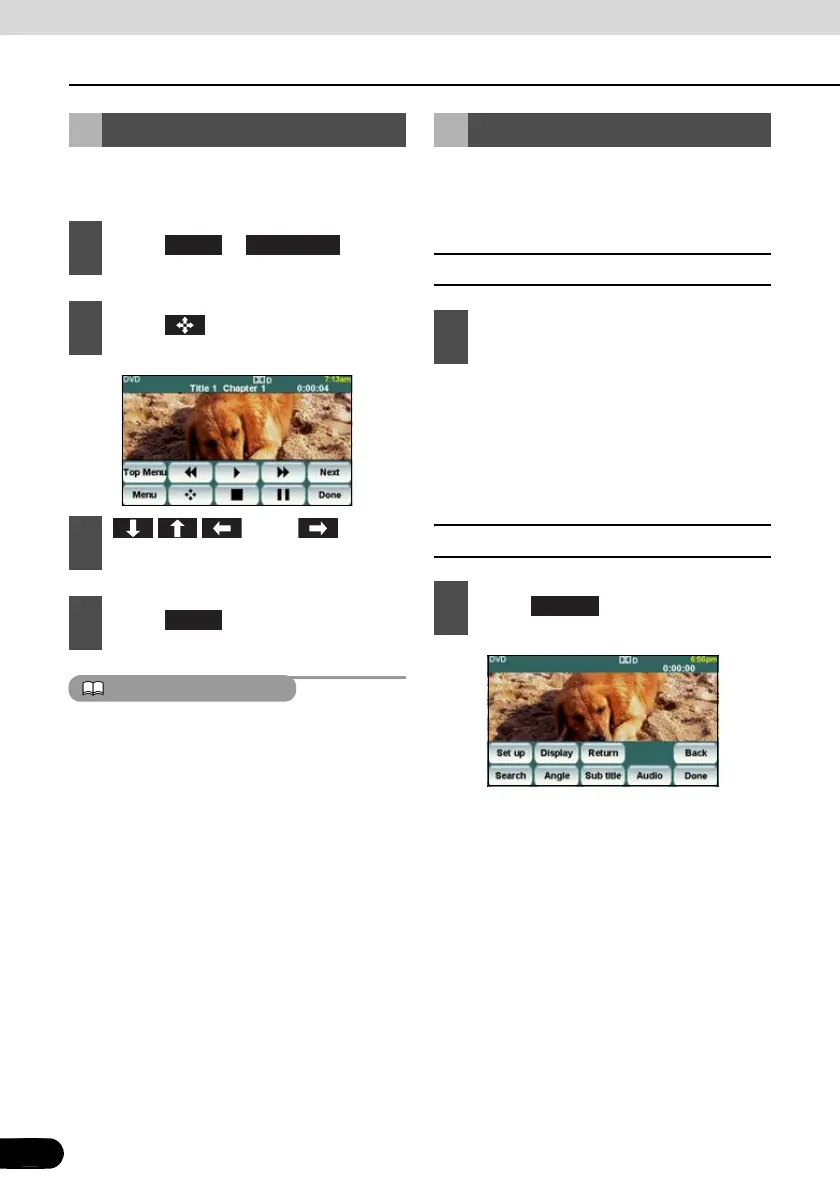
Disc Menu Operations
1
Touch or .
2
Touch .
3
Touch , and
select the play-back menu.
4
Touch .
Menu Top Menu
Enter
Finding a Desired Video
1
Press the [SELECT (Right)] or
[SELECT (Left)] button.
1
Touch .
Search



 To Next Page