26
26
Setup of This Receiver
Operation
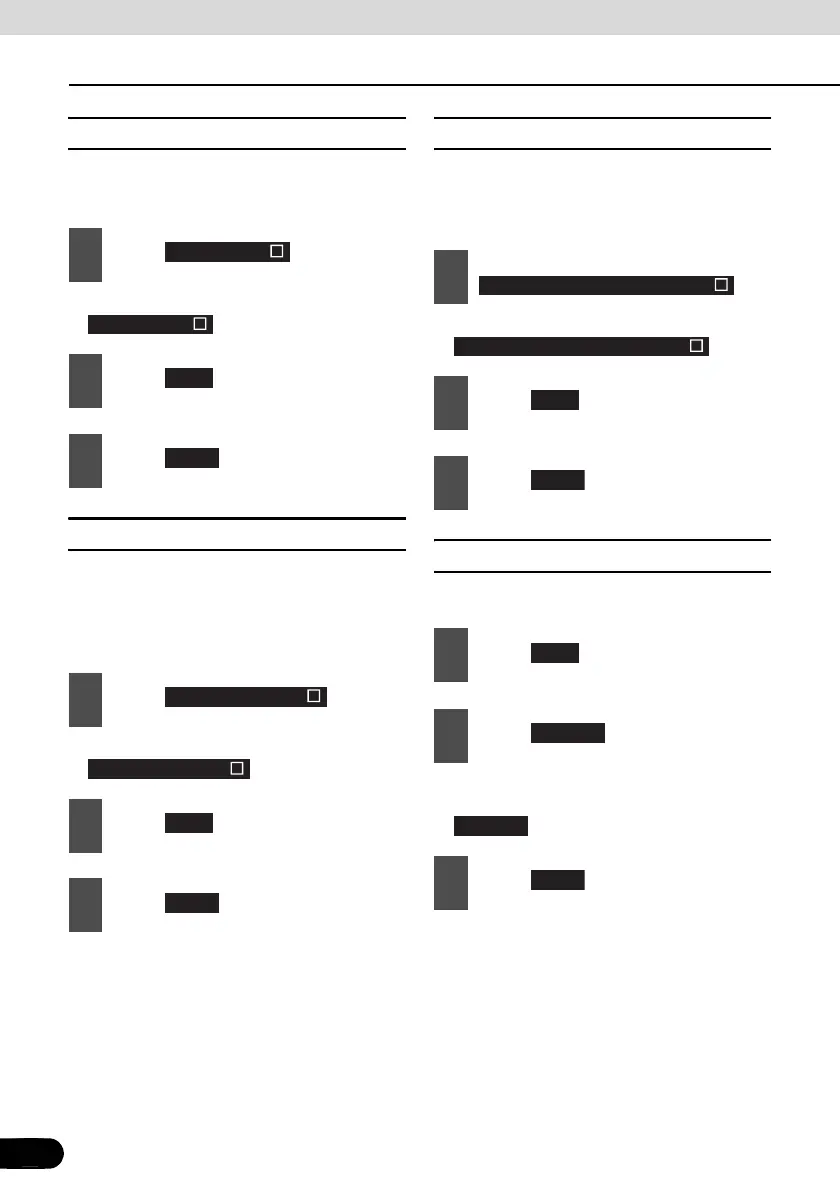
■ Enable VTR
Turn the VTR ON or OFF. If it is ON, you can
select the VTR input.
● It turns ON and OFF each time you touch
.
■ Dim sub-display
If “Enabled”, the sub-display brightness
changes when you turn the car lights (side
marker light, tail light, and license plate light)
ON.
● It turns ON and OFF each time you touch
.
■ Link night view to headlights
If “Enabled”, the PND display is switched to
the night view mode when you turn on the car
lighting.
● It turns ON and OFF each time you touch
.
■ Illumination
The illumination colors can be switched.
● The illumination color is switched between
Blue and Red each time you touch
.
1
Touch .
2
Touch .
3
Touch .
1
Touch .
2
Touch .
3
Touch .
Enable VTR
Enable VTR
Next
Done
Dim sub-display
Dim sub-display
Next
Done
1
Touch
.
2
Touch .
3
Touch .
1
Touch .
2
Touch .
3
Touch .
Link night view to headlight
Link night view to headlight
Next
Done
Next
Change
Change
Done



 To Next Page