58
58
Using the USB Music File Player
Audio operations
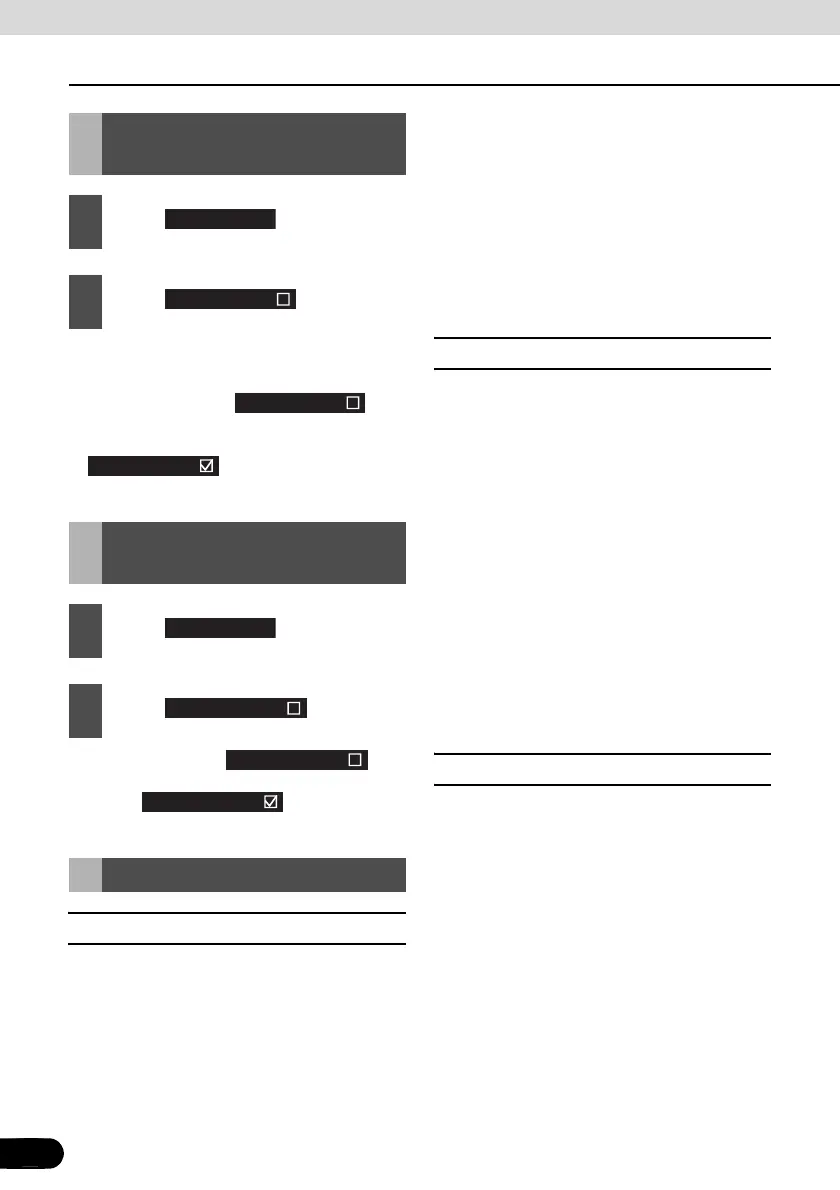
● This repeatedly plays the currently played
music file.
● Once you touch , the
selected music file will be repeated until
the repeat function is released. Touch
again to cancel the
repeat play.
● Once you touch , the
random play continues until you cancel it.
Touch again to cancel
the random play.
■ Playable USB Memory Standards
● Supported USB devices:
Max storage size: 4 GB
● Supported file format:
FAT 16/32
● Supported audio format:
MP3
● Maximum current:
500mA
● Compatibility:
USB 1.0/1.1 (The MAX transfer rate is 12M
bps for USB1.1.)
● Mass memory support:
USB mass storage (such as an externally
attached HDD) is not supported.
■ Playable MP3 File Standards
● Supported standards:
MPEG-1, MPEG-2, and MPEG-2.5
● Supported sampling frequencies:
MPEG-1: 32, 44.1, 48
MPEG-2: 16, 22.05, 24
MPEG-2.5: 8, 11.025, 12
● Supported bit rates:
8 to 320K bps
* Supported VBR (64 to 320K bps)
* Does not support free format.
● Supported channel modes:
Monaural, Stereo, Joint Stereo, Dual-
Channel
■ ID3 Tags
MP3 files have an “ID3 Tag” that allows input
of information so that data such as a track
title and artist can be saved.
This receiver supports ID3v. 1.0, 1.1, 2.2, 2.3
and 2.4.
Repeatedly Playing the
Same Music File
1
Touch .
2
Touch .
Random Play of Music
Files
1
Touch .
2
Touch .
About USB devices
Preferences
Repeat song
Repeat song
Repeat song
Preferences
Shuffle songs
Shuffle songs
Shuffle songs



 To Next Page