23
ESN security operating procedure
How to turn the security indicator on/off
Once ESN security is activated, the indicator flashes whenever the
vehicle's ignition switch is turned off, warning potential thieves that the unit
is protected. However, if do not want this visible deterrent, it may be
turned off.
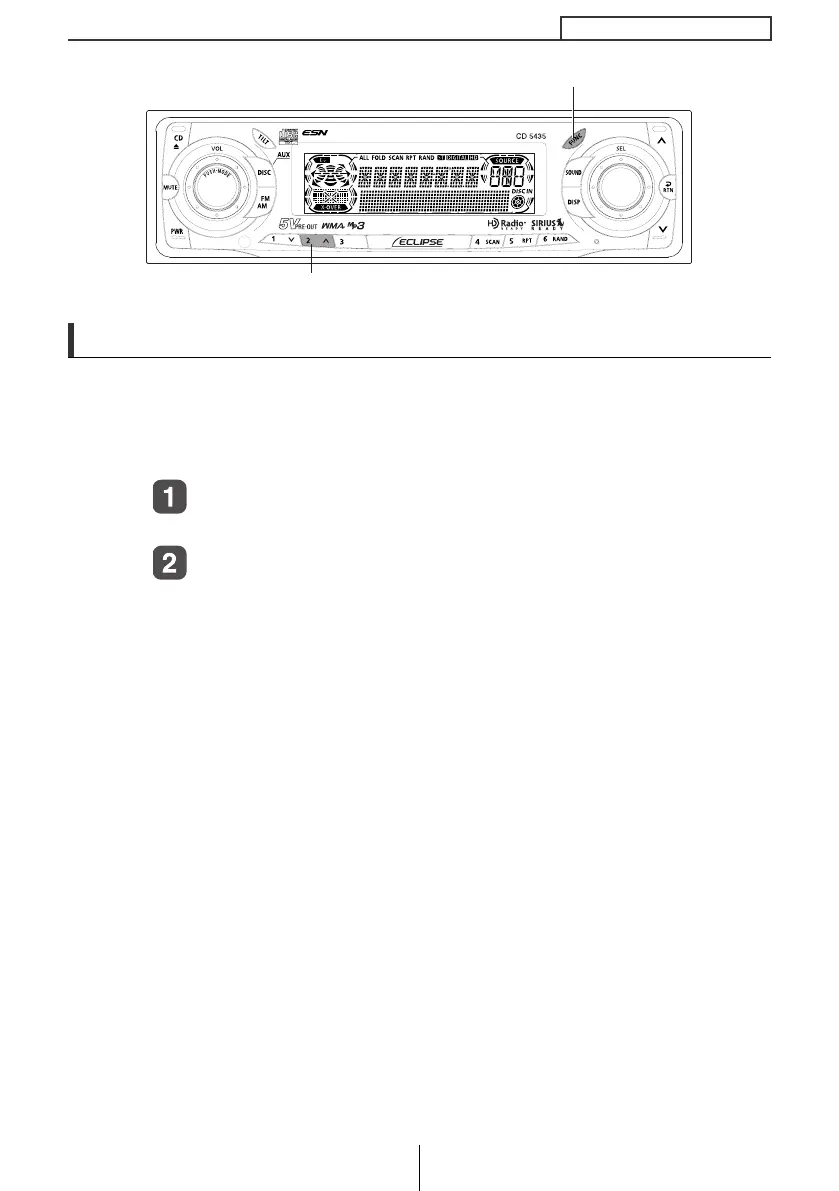
With the unit in standby, press button [2], then [FUNC]
button and hold both for more than one second.
[IND. FLASH] or [IND.-----] appears on the display.
[IND. FLASH] means the security indicator will flash when the
vehicle's ignition switch is off, and [IND.-----] means it will not.
Repeat the above steps to reactivate the flash mode.
Button [2]
[FUNC] button
CD5435.book 23 ページ 2004年12月11日 土曜日 午後5時29分



 To Next Page