43
Basic operation
Making changes with Function Mode
A variety of settings can be changed.
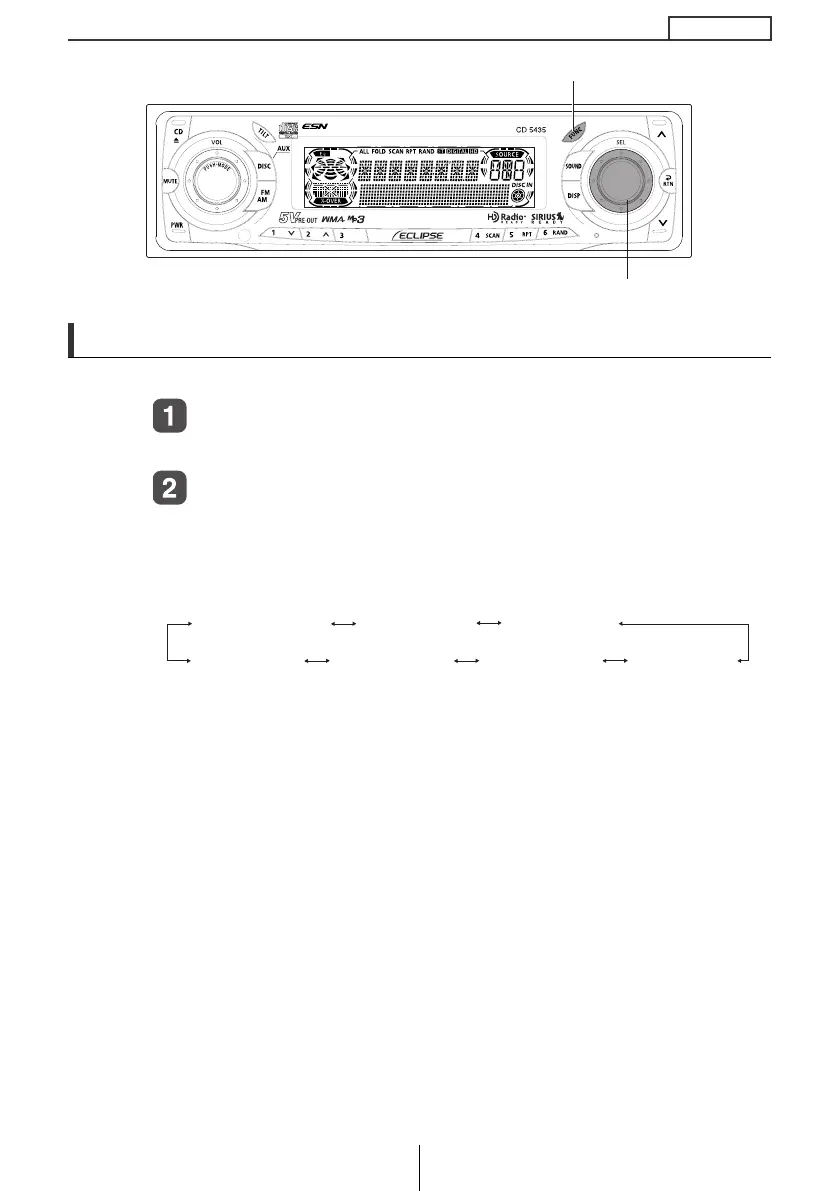
Press the [FUNC] button for less than one second.
The function mode is activated.
Turn the [SEL] button in either direction to display
setting items for selection.
When the button is turned, the setting item changes in the following
order.
*1
: Cannot make settings other than for AREA SHOT operation.
(Refer to page 74 for details on AREA SHOT operation.)
*2
: This setting can only be chosen when HD radio reception is
available.
(Refer to page 92 for details on HD Radio operation.)
*3
: Refer to page 105 for details on AUX Sensitivity.
*4
: U.S.A. only.
[SEL] button
[FUNC] button
AREA SHOT *
1,4
GUIDE TONE
CLOCK DISP
HD RADIO *
2,4
CLOCK ADJ
STEER SW *
4
AUX SENSE *
3
CD5435.book 43 ページ 2004年12月11日 土曜日 午後5時29分



 To Next Page