71
How to operate the tuner
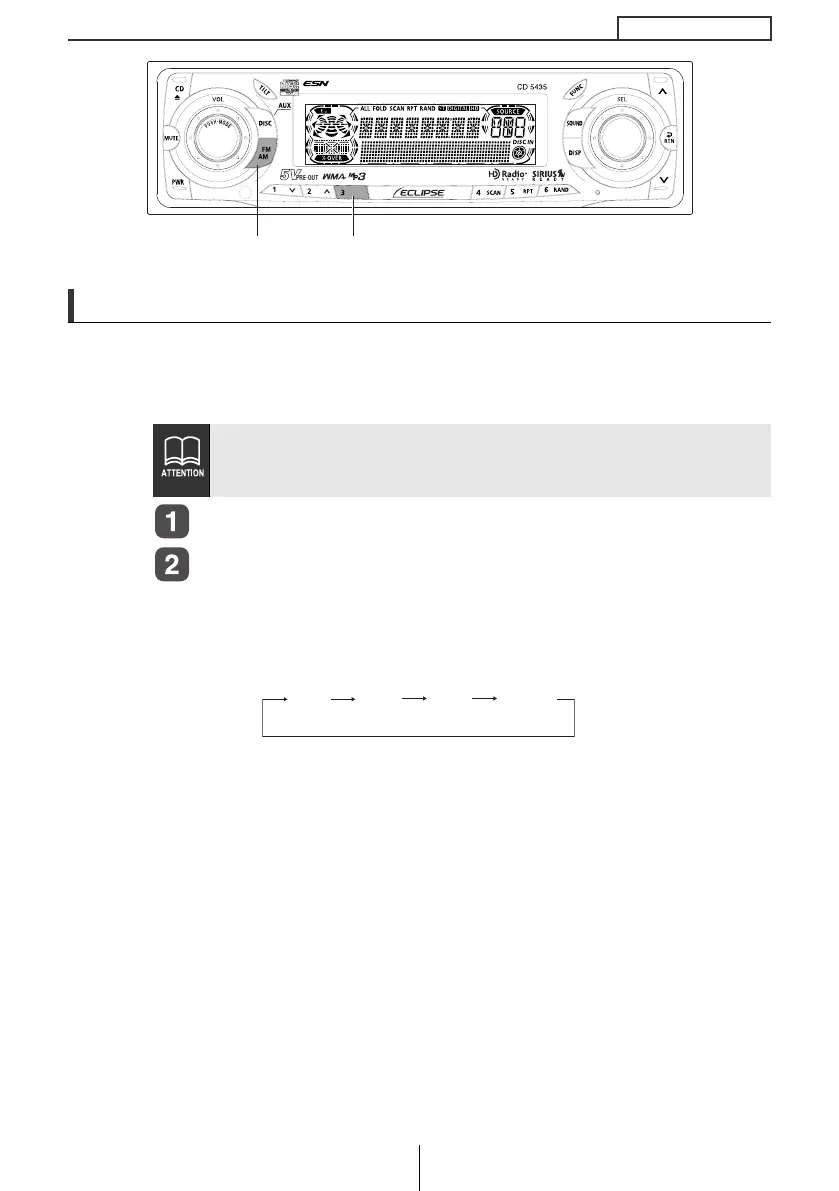
Changing the radio band location
The location for the radio bands used between the North American region
and the Asia/Australia/Latin region can be switched. The default setting is
USA (North America).
Check that the deck is in standby mode.
Press and hold button [3], then the [FM AM] button, and
hold both for more than three seconds.
Theradiobandswitchesin the order shown beloweachtimethe
buttonsarepressed.
After this, the broadcast stations will be searched for
automaticallyandstoredinbuttons[1]to[6].
When an optional HD Radio tuner unit is connected, radio band
location is set to USA. Other radio band locations are unavailable.
(U.S.A. only)
[FM AM] button Button [3]
USA ASIA
AUS
LATIN
CD5435.book 71 ページ 2004年12月11日 土曜日 午後5時29分



 To Next Page