51
Basic operation
Others
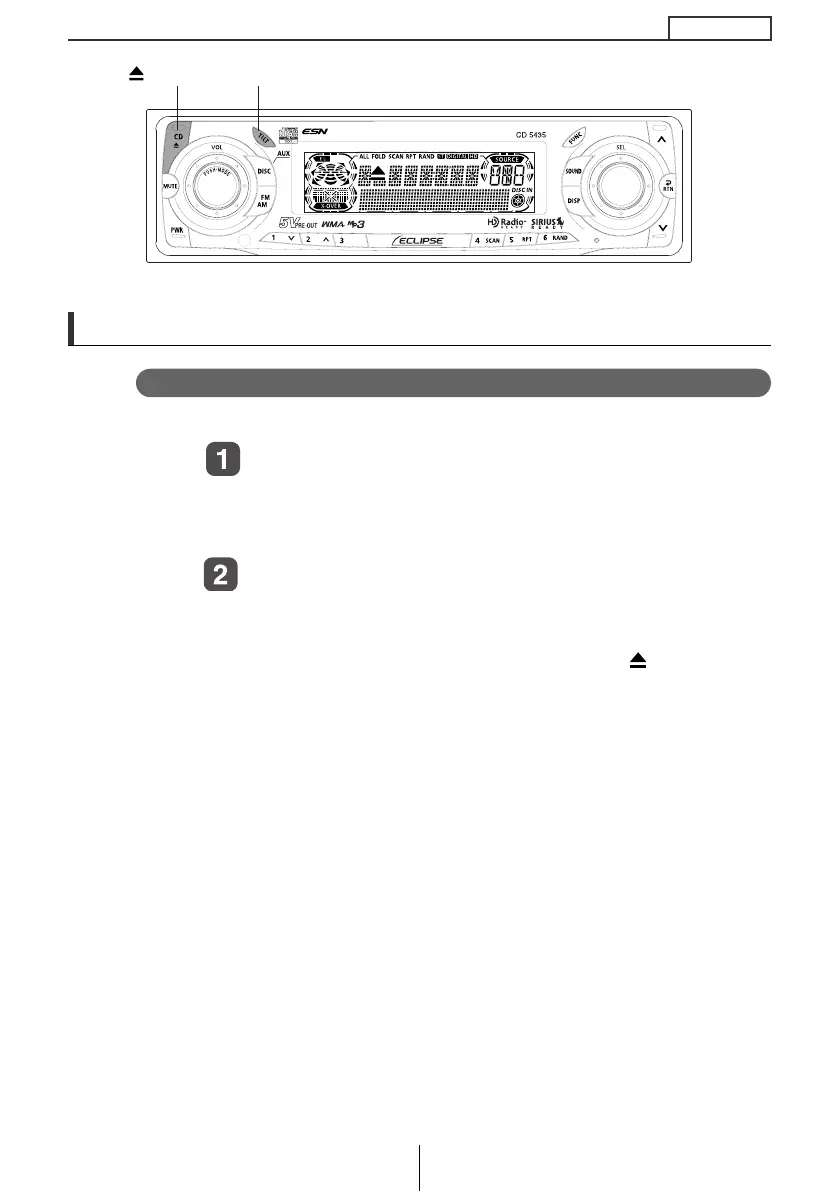
Adjustment of the front panel angle
Display angle can be adjusted.
Push and hold the [TILT] button with the display
completely closed.
While pushing the [TILT] button, the display will gradually
open.
When the display has opened to the desired angle,
release the [TILT] button.
Pressing the [TILT] button once again closes the display. After
adjusting the display angle, pressing the [CD ] button opens
the display. After a CD has been inserted or ejected the
display will return to its adjusted angle.
[CD ] button
[CD ] button
[TILT] button
CD5435.book 51 ページ 2004年12月11日 土曜日 午後5時29分



 To Next Page