36
Basic operation
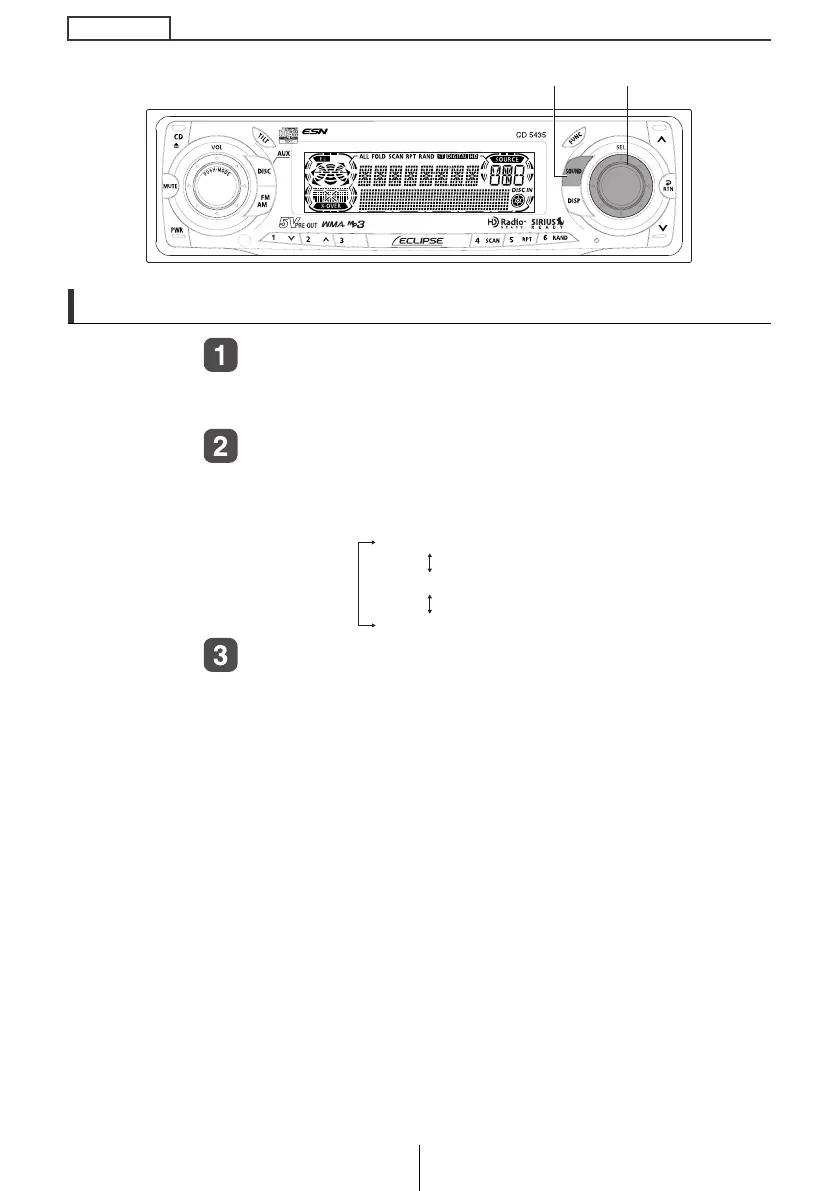
Making changes with Sound Adjustment Mode
Press the [SOUND] button for more than one
second.
The mode will change to sound adjustment mode.
Turn the [SEL] button to select a setting item.
When the button is turned, the setting item changes in the
following order and selected item is highlighted.
Press the [SEL] button.
The selected mode will take effect.
[SOUND] button [SEL] button
X-OVER FR
X-OVER NF
NON-FADER
CD5435.book 36 ページ 2004年12月11日 土曜日 午後5時29分



 To Next Page