11
U S I N G Y O U R L A U N D R Y P U R E
DETERGENT AND FABRIC SOFTENER
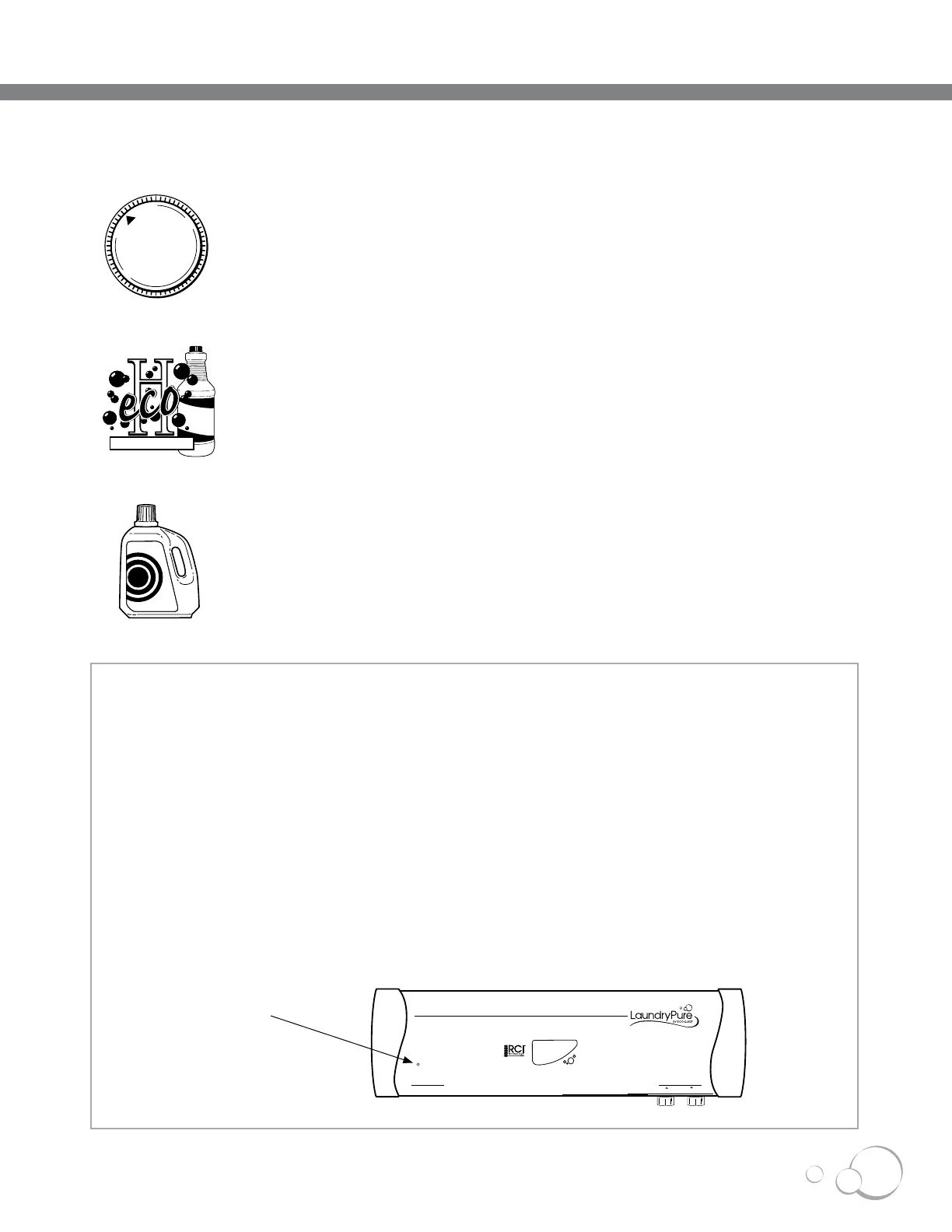
You may choose to continue to use detergent and/or fabric softeners if
desired. However, to completely experience all the benefits of your new
LaundryPure, we recommend washing using nothing but cold water, and
if needed, ecoH cleaner for heavy stains.
NORMAL OPERATION
Using your LaundryPure is as simple as turning on the washing machine.
LaundryPure is designed to use only the COLD/COLD setting of your
washing machine.
STAINS
For heavy stains, use EcoQuest’s all natural ecoH cleaner. Wet the
stained area, apply ecoH cleaner, rub gently and let stand for several
minutes. Wash as normal.
POWER IN
SERVICE
POWER OUT
OUTLET
CONNECT TO COLD WATER ONLY
INLET
DISCONNECT BEFORE SERVICING
SERVICE LIGHT
SERVICE LIGHT IS LIT
When the SERVICE light is lit, you need to change the Silver Ion Probe. See page 16 for replacement
instructions. Once the Silver Ion Probe is replaced, press and release the calibration/reset button to
activate the new probe. The SERVICE light will turn off.
SERVICE LIGHT IS BLINKING (INTERNAL LEAK SENSOR)
If the SERVICE light is blinking, moisture has been detected inside the unit. The unit will shut itself down
(internal valve is closed, UV bulbs and Silver Ion Probe are off). To clear this condition, all power must
be disconnected, the moisture problem or leak corrected, and power restored.
INFORMATION ABOUT THE SERVICE LIGHT



 To Next Page