EasyManua.ls Logo

EcoWater ECWS - User Manual

EcoWater ECWS
28 pages
Print Icon
To Next Page IconTo Next Page
Loading...
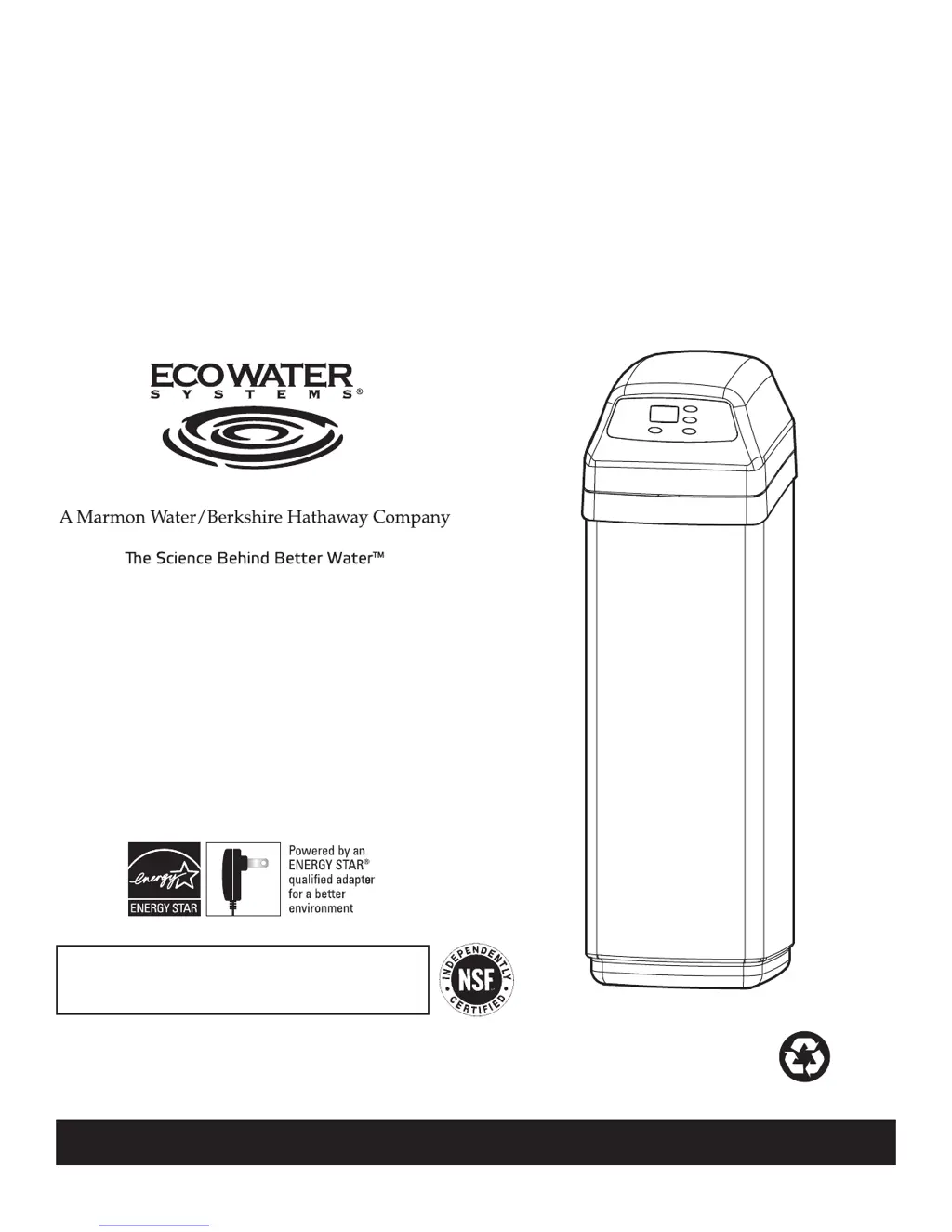
OWNER’S MANUAL
EcoWater Systems LLC
P.O. Box 64420, St. Paul MN 55164-0420
PRINTED IN U.S.A.
How to install, operate and maintain your
EcoWater Systems
Central Water Filtration System
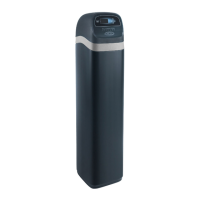
Model ECWS
System tested and certified by NSF International
against NSF/ANSI Standard 42.
See performance data sheet for details.
Printed on recycled paper
Part No. 7308784 (Rev. D 9/3/09)

Questions and Answers

  • J
    Jack AdkinsAug 14, 2025
    Why is there low water pressure at my house faucets with EcoWater Water Filtration Systems?
    • M
      Megan TurnerAug 14, 2025
      Low water pressure with your EcoWater system can occur if the sediment filter screen is clogged or the filtration media pores are blocked. You can manually initiate a Clean Rinse cycle to resolve this. If the filter screen or filtration media pores are frequently blocking, consider increasing the frequency of Clean Rinse cycles or adding a sediment filter upstream.
  • R
    richardsonbrianAug 17, 2025
    Why does my water from EcoWater ECWS Water Filtration Systems have an objectionable taste or odor?
    • G
      George MeyerAug 17, 2025
      An objectionable taste or odor in your water could be because the system is in bypass. Ensure the bypass valve(s) are in the normal operating (non-bypass) position. It could also be caused by blocked filtration media pores, in which case you should manually initiate a Clean Rinse cycle. If the filtration media pores are frequently blocking, consider increasing the frequency of Clean Rinse cycles or adding a sediment filter upstream.
  • R
    Richard SanchezAug 20, 2025
    Why does my water from EcoWater ECWS have a black or gray color?
    • P
      Peggy AshleyAug 20, 2025
      If your water is black or gray, and you have a new system, the start-up procedure may not have been completed. Run the start-up procedure or consecutive Clean Rinse cycles until the water color returns to normal. If it is not a new system, this may be due to normal abrasion of the filtration media. Manually initiate a Clean Rinse cycle.
  • J
    Jeffery CameronAug 25, 2025
    What to do if there is no water flow to drain during Clean Rinse cycle in EcoWater ECWS Water Filtration Systems?
    • K
      Kendra RiveraAug 25, 2025
      If there's no water flow to the drain during the Clean Rinse cycle, check the following: 1. Ensure the system is not in bypass by moving the bypass valve(s) to the normal operating (non-bypass) position. 2. Inspect the drain flow control for any blockage and clean if necessary. 3. Check the drain hose for kinks or plugs and straighten if needed. 4. Confirm that the transformer is plugged into the wall electrical outlet and that there is no loss of power.
  • R
    Ray LongAug 27, 2025
    Why is water running to the drain when EcoWater ECWS unit is not in the Clean Rinse cycle?
    • G
      Gabriel AriasAug 27, 2025
      If water is running to the drain when your unit is not in the Clean Rinse cycle, it could be due to an inner valve defect causing a leak. In this case, replace the seals and rotor. Alternatively, there might be a crack in the distributor or riser tube, requiring you to replace the distributor or riser tube.
  • O
    oconnorjasonAug 31, 2025
    How to fix Clean Rinse cycle if it does not run automatically on EcoWater ECWS?
    • A
      Amanda JuarezAug 31, 2025
      If the Clean Rinse cycle isn't running automatically, and the display reads “VAC”, the Clean Rinse function has been disabled. Press and release the RECHARGE button until the display no longer reads “VAC”. If the display is blank, the transformer may be unplugged from the wall electrical outlet.
  • J
    Juan RodriguezSep 3, 2025
    Why is the valve motor stalled or clicking in EcoWater ECWS Water Filtration Systems?
    • C
      Carlos HunterSep 3, 2025
      A stalled or clicking valve motor could indicate that the motor is defective, or an inner valve defect is causing high torque on the motor. Replace the rotor/seal kit. You may need to replace the motor and switch.
  • E
    Eric BoothSep 7, 2025
    What to do if Clean Rinse cycle does not run at the programmed time of day on EcoWater ECWS?
    • M
      Megan RoweSep 7, 2025
      If the Clean Rinse cycle does not run at the programmed time and the time display is flashing, a long power loss caused the clock to lose its time setting. Reset the clock to the correct time of day.
  • K
    kmillerSep 10, 2025
    What does it mean when “VAC” is flashing in the display of my EcoWater Water Filtration Systems?
    • L
      Linda RobinsonSep 12, 2025
      A flashing “VAC” in the display indicates that the automatic Clean Rinse function has been disabled. If you want the Clean Rinse function to run automatically, press and release the RECHARGE button until the display no longer reads “VAC”.

Summary

Safety Guides

General Safety Guidelines

Covers essential safety practices for installation and operation, including handling precautions and environmental considerations.

Electrical and Disposal Requirements

Details electrical power requirements and proper disposal methods for electronic components according to directives.

Specifications and Dimensions

Installation Requirements

Tools and Location Needs

Lists necessary tools for installation and outlines ideal location requirements, considering plumbing and environmental factors.

Plumbing and Drain Specifications

Details plumbing codes, air gap requirements, and valve drain line specifications for proper system installation.

Installation Steps

Unpacking and Initial Setup

Guidance on unpacking the unit, checking for damage, and preparing for the installation process.

Plumbing Connections

Instructions for connecting inlet and outlet plumbing using various pipe types like copper, threaded, or CPVC.

Grounding and Drain Hose Installation

Procedures for electrical grounding and correctly installing the water drain hose with proper air gap.

Testing and Final Connections

Steps for pressure testing, connecting the transformer, setting the controller, and final system checks.

How the System Works

Operation and Clean Rinse Cycle

Explains normal water flow through the system and the purpose and function of the automatic Clean Rinse cycle.

Application Limitations

Highlights limitations for use with unsafe water, hydrogen sulfide, and iron, and when additional filtration may be needed.

Start Up Procedure

Programming the Controller

Setting the Time of Day

Instructions for setting the current time on the electronic controller for accurate operation and scheduling.

Customizing Features and Options

Clean Rinse Cycle Configuration

Details on manually starting, setting start times, and adjusting the length of the Clean Rinse cycle.

Clock and Frequency Settings

Options to switch between 12/24 hour clocks and adjust the frequency of automatic Clean Rinse cycles.

Manual Operation and Power Settings

Guidance on operating in manual mode, disabling/re-enabling automatic clean rinse, and power outage memory.

System Care and Maintenance

Handling Vacations and No-Use Periods

Recommendations for managing the system during extended periods of no water use or vacation.

Draining and Freeze Protection

Procedures for draining the system to prevent damage from freezing temperatures.

Troubleshooting Guide

Initial Checks and Error Handling

Guides users through initial checks for common problems and how to interpret and resolve error codes.

Service Information

Electronic Diagnostics and Manual Advance

Information on the system's self-diagnostic function, error codes, and manual diagnostic procedures.

Cleaning Procedures

Step-by-step instructions for cleaning the sediment filter screen and the drain flow control.

Bypass Valve Operations

Procedures for relieving water pressure and operating the bypass valve for service or maintenance.

Repair Parts

Warranty Information

Warranty Coverage and Details

Details the warranty period for various parts, registration, and what is covered by the EcoWater LLC Advantage Warranty.

General Provisions and Limitations

Outlines general warranty provisions, operating conditions, limitations, and legal rights.

EcoWater ECWS Specifications

General IconGeneral
BrandEcoWater
ModelECWS
CategoryWater Filtration Systems
LanguageEnglish

Related product manuals